Scope for Mac
Mac battery monitor: health, watts and time left
Scope is a free Mac menu bar app that shows your MacBook’s battery in watts as well as percent: the power coming in from the charger, what the Mac is using, and what goes into or out of the battery. It also shows macOS’s time estimate, the battery’s health and cycle count, and the last hour of charge.
Free, coming to the Mac App Store. Scope Pro is a one-time purchase.
In your menu bar
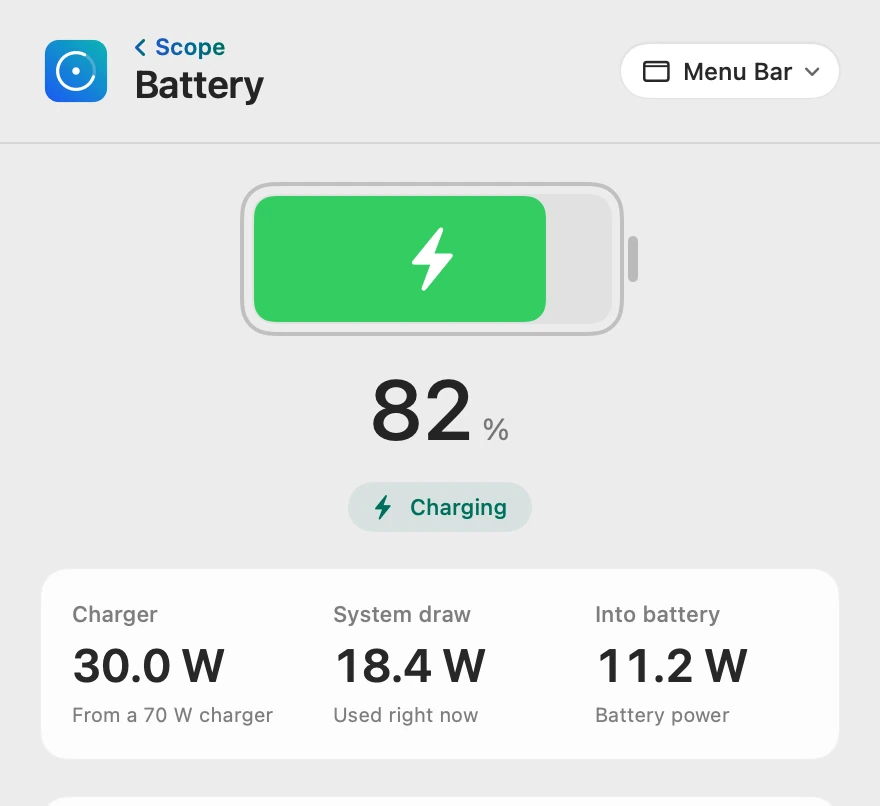
Battery shows your charge in the menu bar, drawn as macOS draws it to start, with a bolt while it charges. Scope Free keeps one whole menu bar item of your choice.

Charge and charging
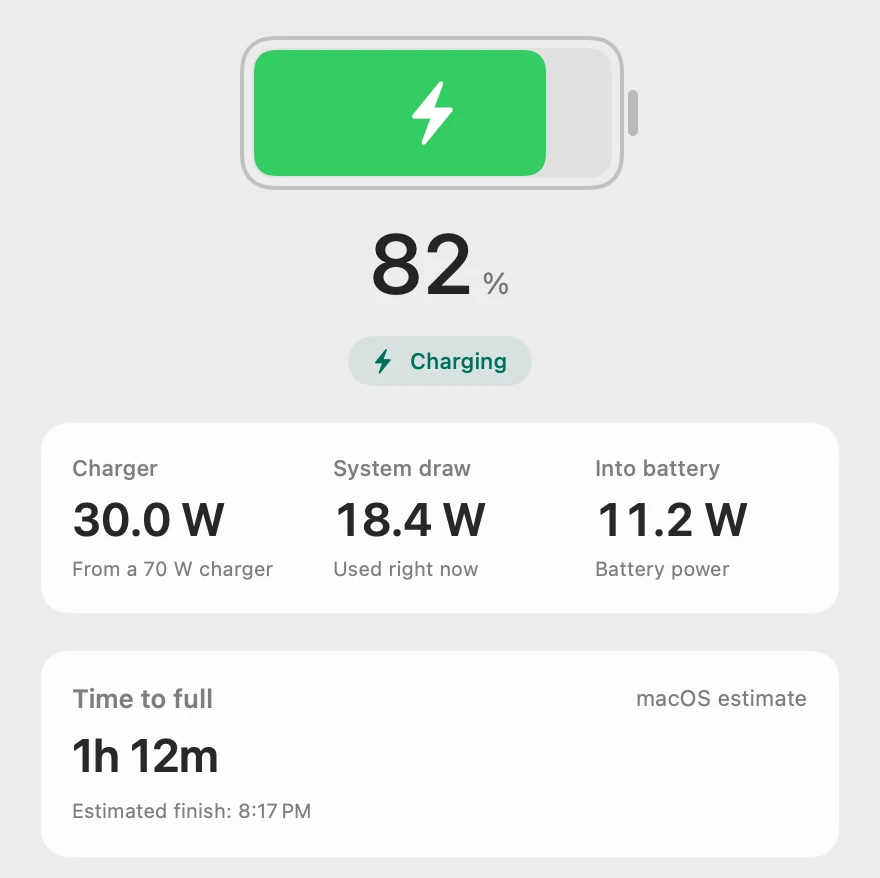
Charger is the power coming in from the charger right now, with the charger’s rating beneath it. System draw is what your Mac uses, and Into battery is what goes into the battery; the two add up to Charger, give or take a small conversion loss. Time to full is macOS’s own estimate, with the time it should finish.
When the charger is too small
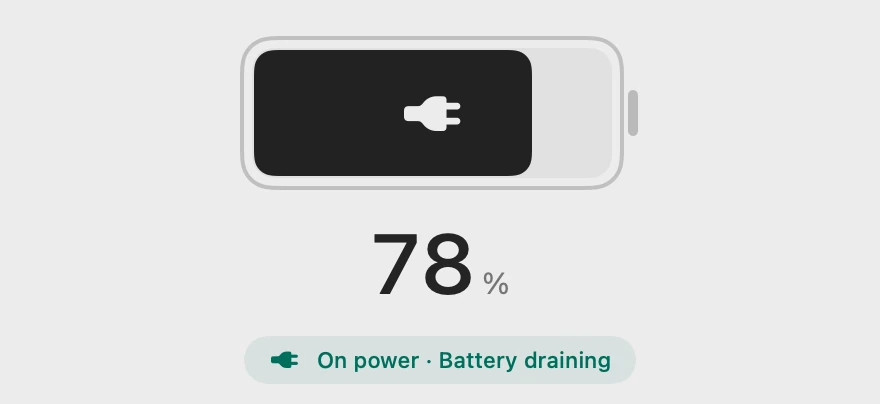
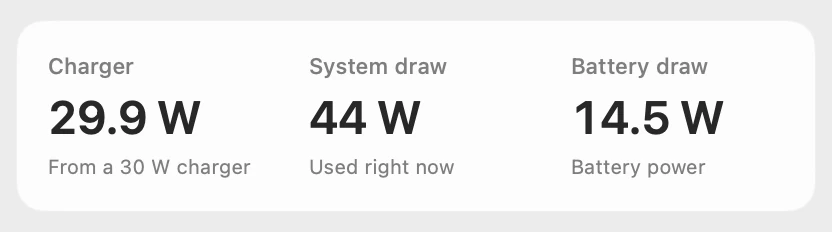
When the Mac uses more than the charger gives, Scope says “On power · Battery draining” and shows Battery draw. It takes the direction from the battery’s own measured power, so a charger that can’t keep up shows as it is.
Plugged in, not charging
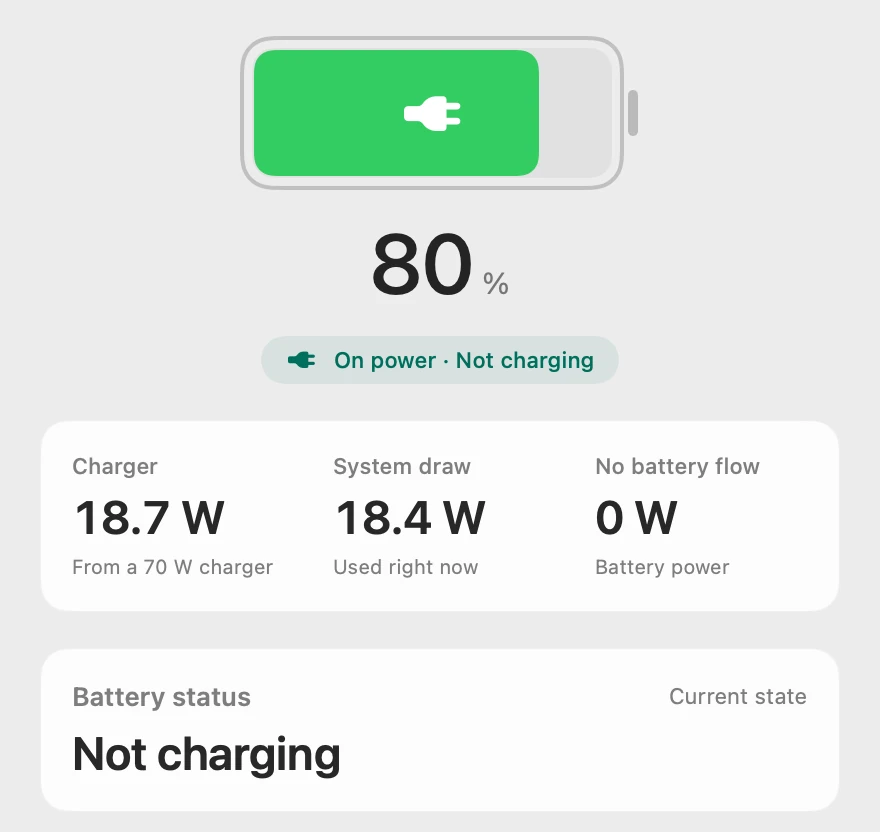
When power comes in but the battery neither fills nor empties, Scope says “On power · Not charging” and shows No battery flow, 0 W; a full battery reads “Fully charged · On power”. Why macOS holds a charge is in MacBook plugged in but not charging?
On battery: time left
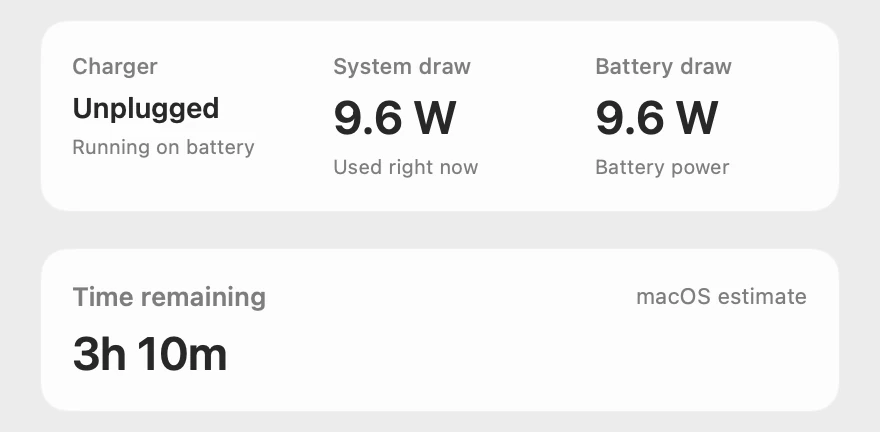
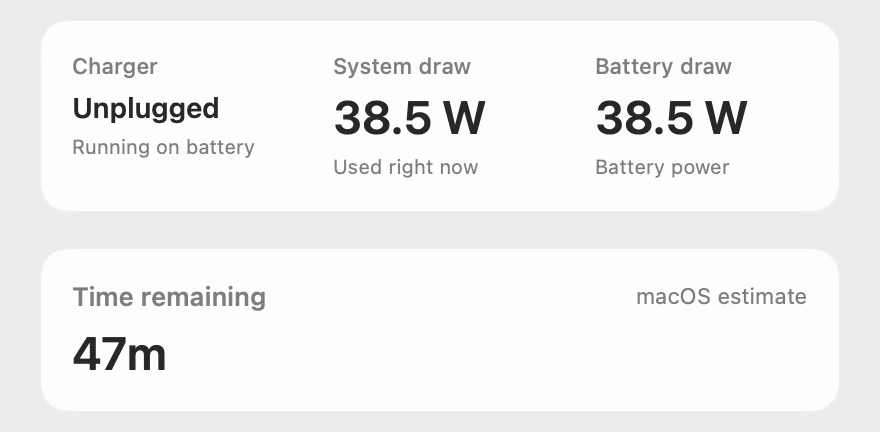
Unplugged, the battery supplies everything the Mac uses, so Battery draw stays close to System draw. Time remaining is macOS’s own estimate, and Scope shows one only when macOS provides it.
Battery health
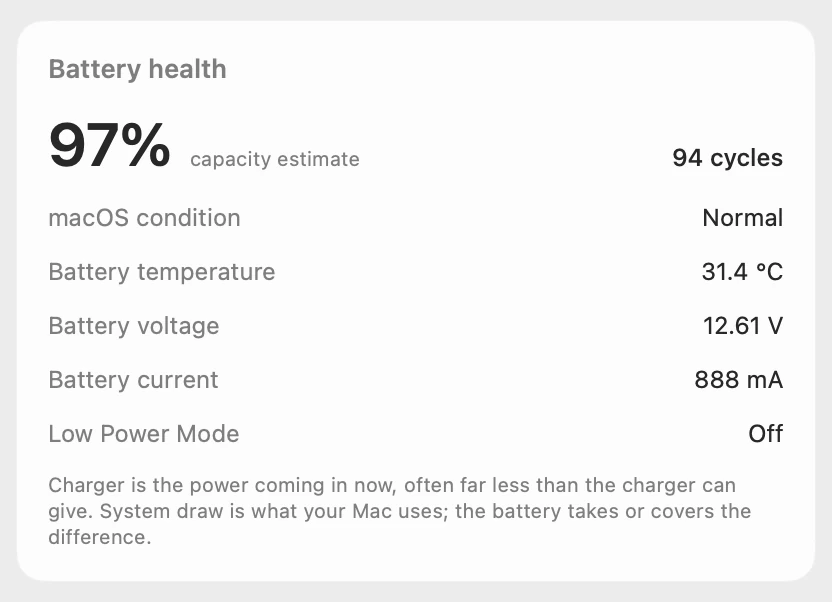
Battery health shows macOS’s capacity estimate, the cycle count and macOS’s condition, then the battery’s temperature, voltage and current, and whether Low Power Mode is on. Current is positive while charging and negative on battery. These are macOS’s own readings, not a diagnosis by Scope. If macOS recommends service, Scope’s overview says “Check battery health” when you open Scope, and Scope Pro adds the red + on the menu bar icon and a notification.
The last hour
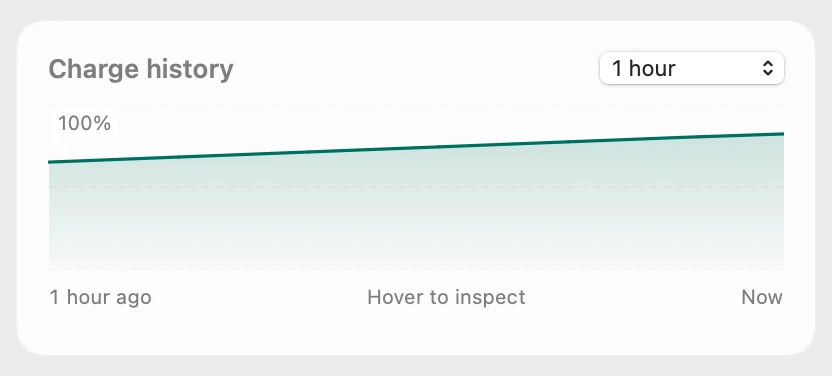
Charge history draws the battery’s level over the last hour since Scope started. Hover to read any moment.
A day of charge
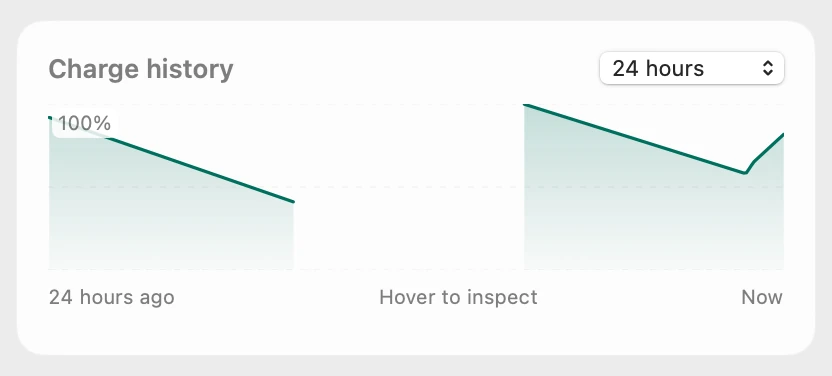
Scope Pro charts the last 6 or 24 hours from Scope’s own record on your Mac, kept across restarts. The line breaks where Scope wasn’t running or the Mac slept.
Three menu bar styles
Choose one in Battery’s Menu Bar settings, under Style. Standard is the battery as macOS draws it, with its percentage. Liquid fills with the charge, the percentage inside, and Gauge is a ring beside the percentage; both turn green while the Mac charges or holds its charge, and yellow below 40% and red below 20% as the battery runs down. Under Readout, Charger power, System draw and Battery draw can sit beside it; all three start off.



Scope Free and Scope Pro
| Scope Free shows | Scope Pro adds |
|---|---|
| Charge and charging state, Charger, System draw and the battery’s power, time to full or time remaining, and Battery health | The same readings: nothing is held back |
| Battery as your one menu bar item, in any style, with Charger power, System draw or Battery draw beside it | Every Scope item at once |
| Charge history for the last hour | 6 and 24 hours, kept across restarts |
| A battery service alert on the overview when you open Scope | The red + on the menu bar icon and a macOS notification |
Questions people also ask
Does Scope show which app is draining my battery?
No. Scope shows how much power the whole Mac draws, and its CPU · GPU · RAM panel shows which apps are busy right now, but neither proves which app used the battery. Activity Monitor’s Energy tab shows each app’s Energy Impact.
Is Scope’s Charger number my charger’s wattage?
Usually not. Charger is the power coming in right now, often far less than the charger can give, and the charger’s rating shows beneath it, such as “From a 70 W charger”. On a Mac that doesn’t measure its input, Charger shows the rating macOS reports, marked Available power.
Where does Scope get battery health?
From macOS. The capacity estimate, cycle count and condition are macOS’s own readings, and Scope doesn’t test or diagnose the battery itself.
Does Scope work on a Mac without a battery?
Yes. On a desktop Mac, Battery stays out of the menu bar and Scope’s overview says “No battery”. Every other panel works as usual.
Can Scope change how my Mac charges?
No. Scope shows and explains; it never changes charging, Low Power Mode or any other setting.
Is Scope free?
Yes. Scope Free shows every reading on this page, with one whole menu bar item of your choice. Scope Pro is a one-time purchase that adds more menu bar items, alerts in the menu bar and 24 hours of history.
Try it here
The real Scope, working, right in this page.
Click any item in the menu bar, or a card inside, as you would on your Mac.
Scope Pro Every menu bar item is shown here. Scope Free keeps one whole item of your choice, with every reading inside.
See the battery on your own Mac.
Guides for this
Battery
MacBook battery health and cycle count, explained
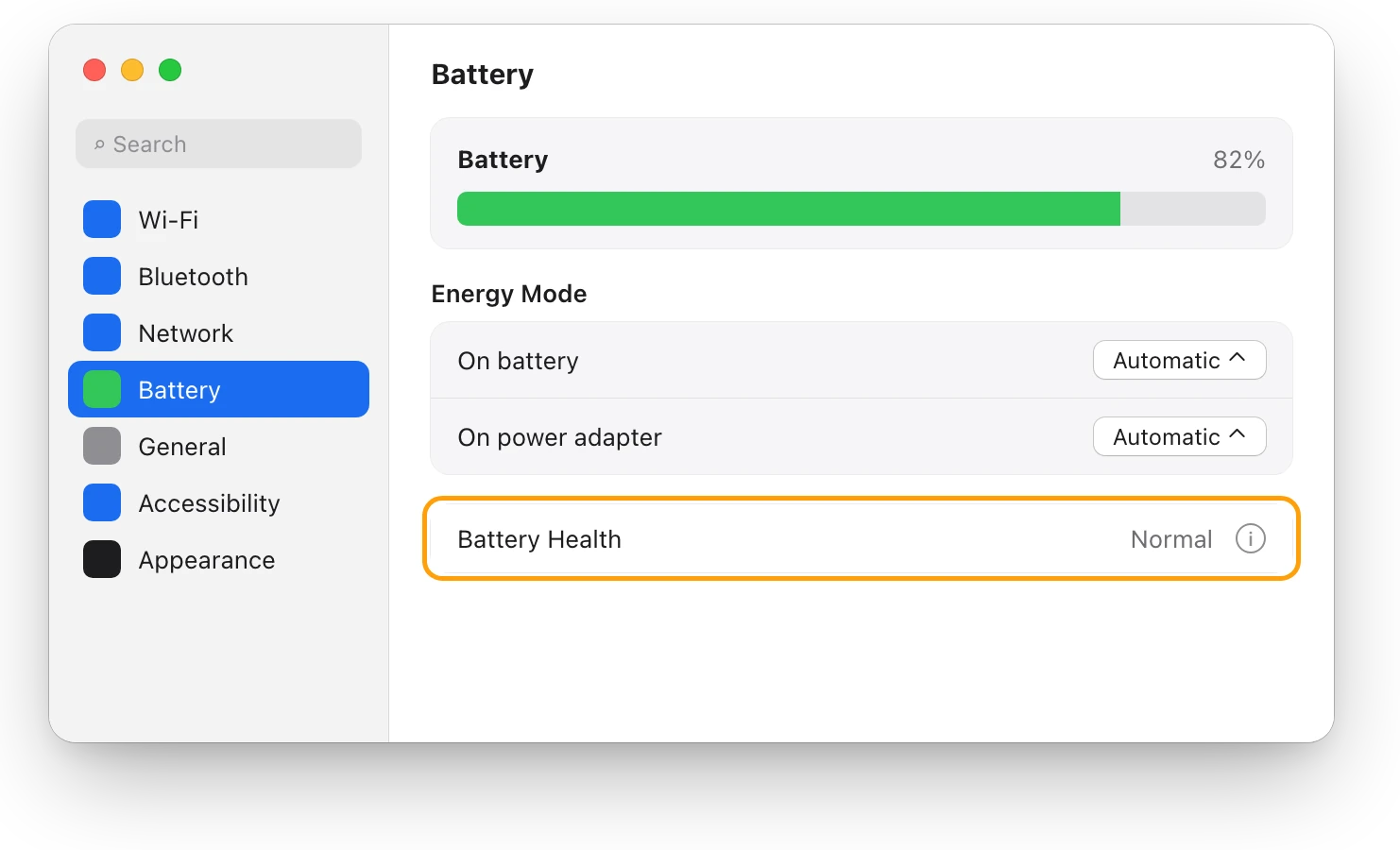
Battery Health in System Settings shows if your MacBook’s battery is Normal; System Information shows its cycle count. Here’s how to read both.
Battery
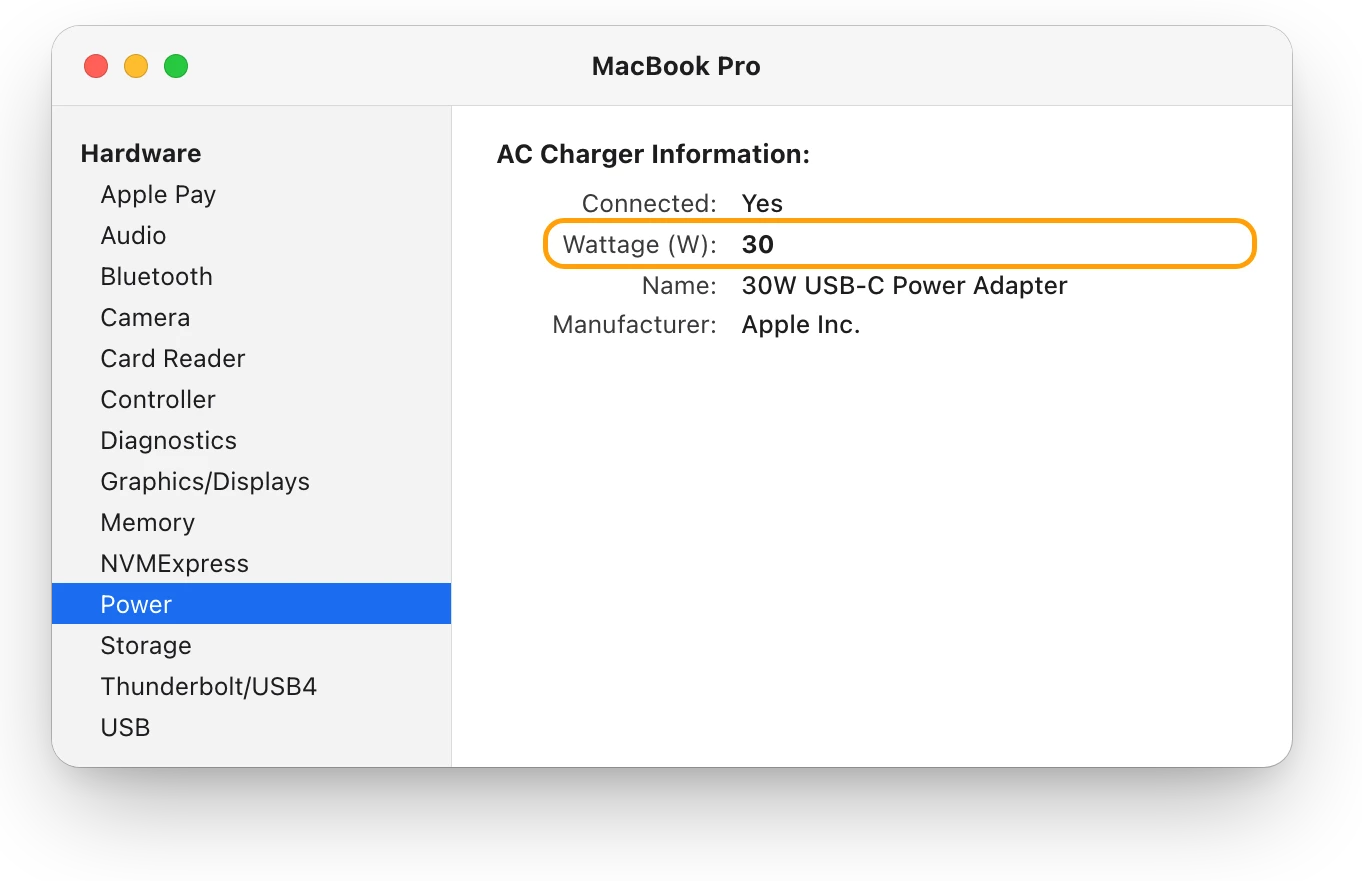
Is your charger fast enough for your MacBook?
A MacBook charges slowly on a charger below Apple’s recommended wattage. Check the watts in System Information, then compare them with your model.
Battery
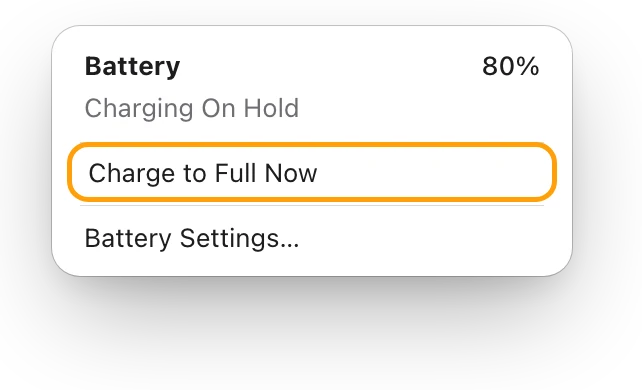
MacBook plugged in but not charging?
A MacBook plugged in but not charging is often holding at 80% to protect its battery. Here’s how to see why, and what to try if it won’t charge at all.
Battery
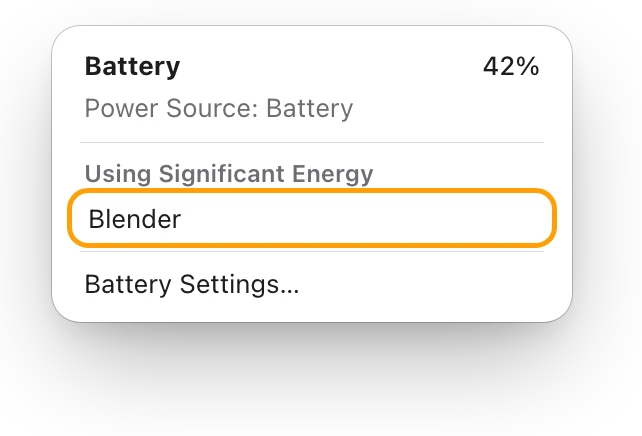
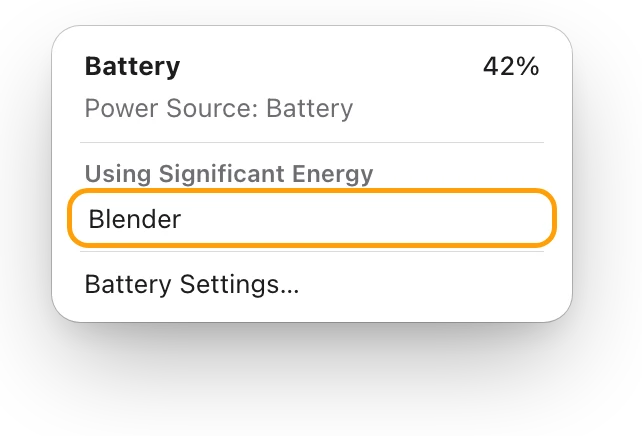
MacBook battery draining fast? See what’s busy
A MacBook battery drains fast when an app keeps it busy. The battery menu and Activity Monitor’s Energy tab show which one; here’s what to do.
Battery
How to make your MacBook battery last longer
Make each MacBook charge last longer: quit energy-heavy apps, dim the screen, use Low Power Mode. Plus Apple’s tips for battery lifespan, and the myths.
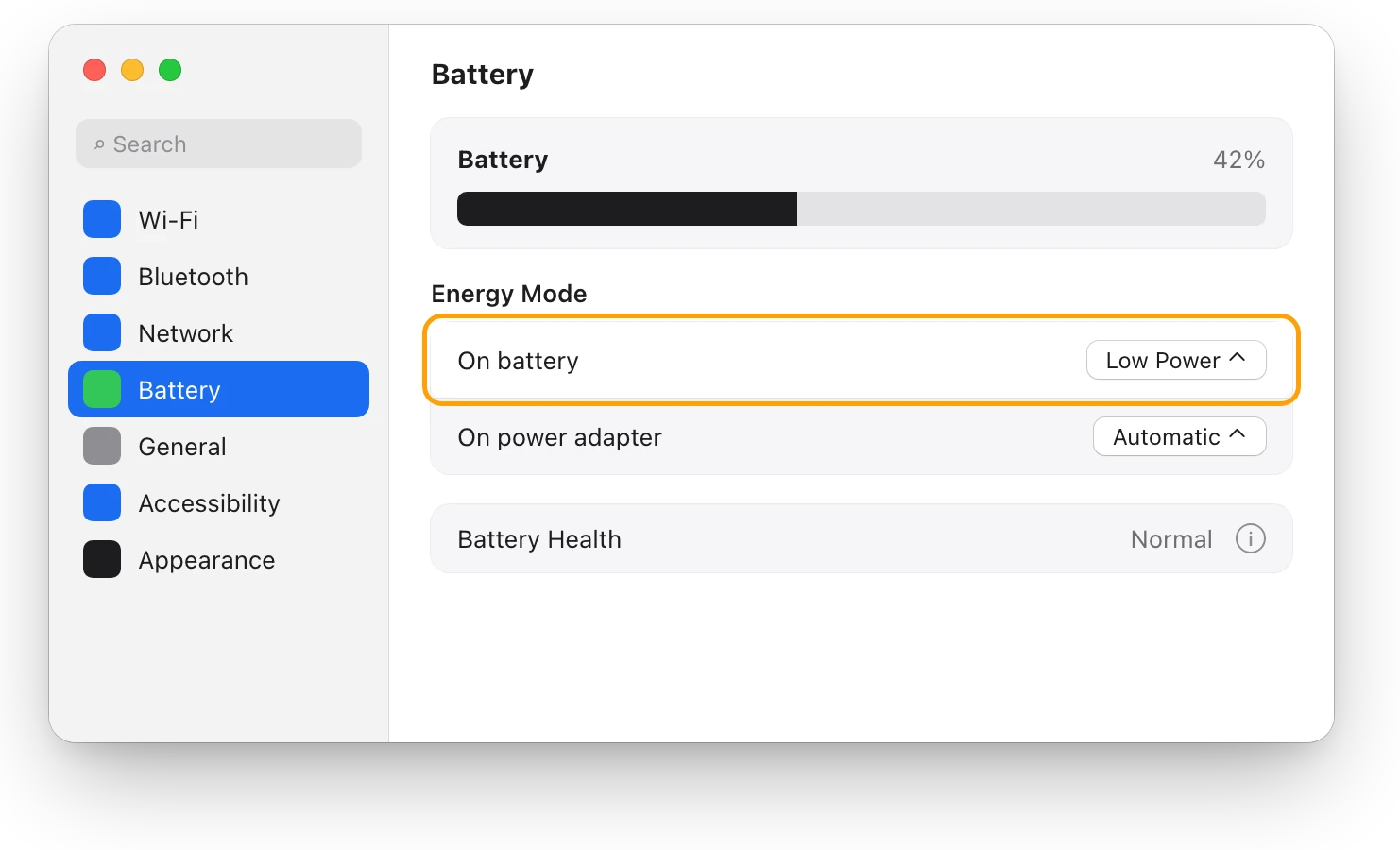
Battery
Low Power Mode on a Mac: what it changes
Low Power Mode on a Mac reduces energy use so the battery lasts longer. Here’s how to turn it on, what Apple says it changes, and when to use High Power.
Readings, apps and files in the pictures are from a made-up Mac.