Low Power Mode on a Mac: what it changes
Low Power Mode on a Mac reduces energy use so the battery lasts longer. To turn it on, choose Apple menu > System Settings, click Battery, and under Energy Mode choose Low Power from the On battery pop-up menu. Apple’s default, Automatic, balances energy use and performance, and some MacBook Pro models also offer High Power Mode for heavy work.
How do I turn on Low Power Mode on a Mac?
- Choose Apple menu > System Settings, then click Battery in the sidebar. You may need to scroll down. On a desktop Mac, click Energy.
- Under Energy Mode, open the On battery pop-up menu and choose Low Power.
- To use it while plugged in too, choose Low Power from the On power adapter pop-up menu as well.
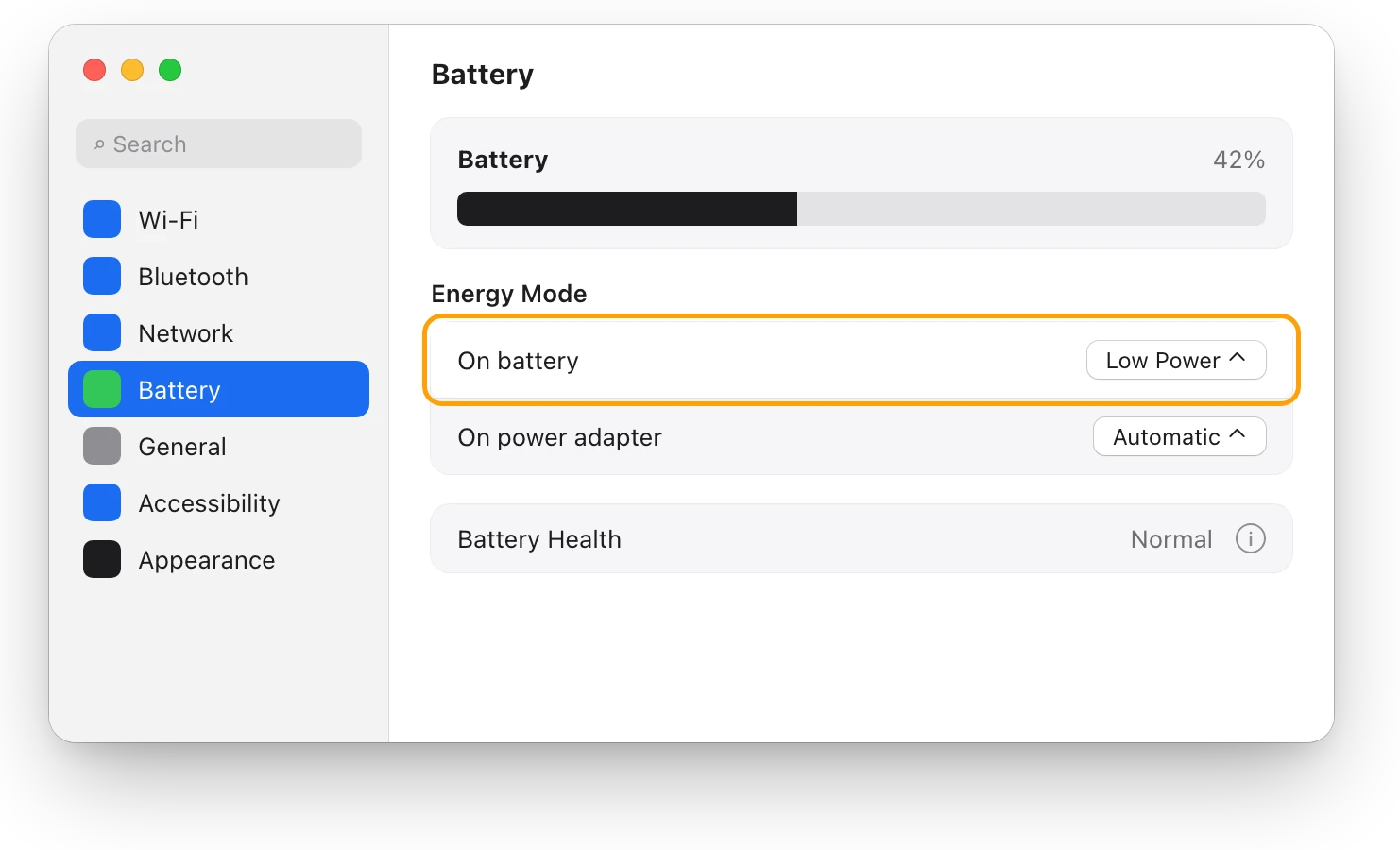
You can choose a different mode for each, and Apple says Power Modes work whether your Mac is plugged in or not.
On some Mac laptops, Battery settings shows a Low Power Mode pop-up menu instead of Energy Mode. Click it, then choose Always, Only on Battery or Only on Power Adapter. Apple notes that some options may not be available, depending on your Mac.
Can I turn it on from Control Center or the menu bar?
Yes, from Control Center. Apple says that in macOS Sequoia 15.1 or later, you can also select Energy Modes from Control Center.
To check which mode is on, click the battery icon in the menu bar. The battery status menu shows whether Low Power or High Power Mode is on.
What does Low Power Mode change?
Apple describes three Power Modes and says they let you tailor your Mac’s performance to your workload:
| Mode | What Apple says it does | Good for |
|---|---|---|
| Low Power | Reduces energy use to increase battery life | Long days away from a charger |
| Automatic | Balances energy use and performance; the default | Everyday use |
| High Power | Lets the fans run faster, which may allow higher performance in very intensive workloads (some models only) | Long exports, renders and 8K video |
In macOS Sequoia 15.1 or later, Low Power Mode does two more things on recent models, according to Apple:
- Quieter fans. It helps reduce fan noise for tasks done in quiet places, on Macs that have fans.
- Less power when always on. It reduces power use on a Mac that’s left on all the time.
Apple lists the models with these extras: MacBook Air and MacBook Pro introduced in 2024 or later, MacBook Pro models from 2021 through 2023 with a Max chip, Mac mini introduced in 2024 or later, iMac introduced in 2024, and Mac Studio introduced in 2025 or later. The 2023 Mac mini, Mac Studio and 24-inch iMac get them with newer versions of macOS Sequoia.
Does Low Power Mode slow down a Mac?
It can trade some speed for battery life. Apple says Power Modes tailor your Mac’s performance to your workload: Automatic has your Mac use the best performance level, and Low Power reduces energy use instead. Apple doesn’t say how much slower a Mac gets, so judge it by your own work:
- Leave Low Power on for writing, browsing, mail and video calls.
- Before a heavy job, such as an export, a render or a big build, switch On battery back to Automatic.
- Switch back to Low Power when the job is done.
Does Low Power Mode dim the screen?
Apple’s description of Low Power Mode doesn’t mention brightness. Battery settings has a separate option for that among its additional options: “Slightly dim the display on battery”, which dims the display when your Mac isn’t plugged in. A bright screen uses more power, so turning brightness down also helps the battery last.
What is High Power Mode?
High Power Mode is the opposite of Low Power: Apple says it lets the fans run at higher speeds, and the extra cooling may let your Mac perform better in very intensive work, such as color grading 8K video, 3D work and video exports. You may hear more fan noise.
Apple lists it for MacBook Pro introduced in 2024 or later with a Pro or Max chip, MacBook Pro models from 2021 through 2023 with a Max chip, Mac mini introduced in 2024 or later with a Pro chip, and Mac Studio introduced in 2026. For the 14-inch MacBook Pro with M4 Pro or M5 Pro, Apple recommends its 96W USB-C Power Adapter for using High Power Mode while charging. To turn it on, choose High Power from the On battery or On power adapter pop-up menu.
How can I tell if Low Power Mode is helping?
Compare a few days with it on against a few days with it off:
- Choose Apple menu > System Settings, then click Battery.
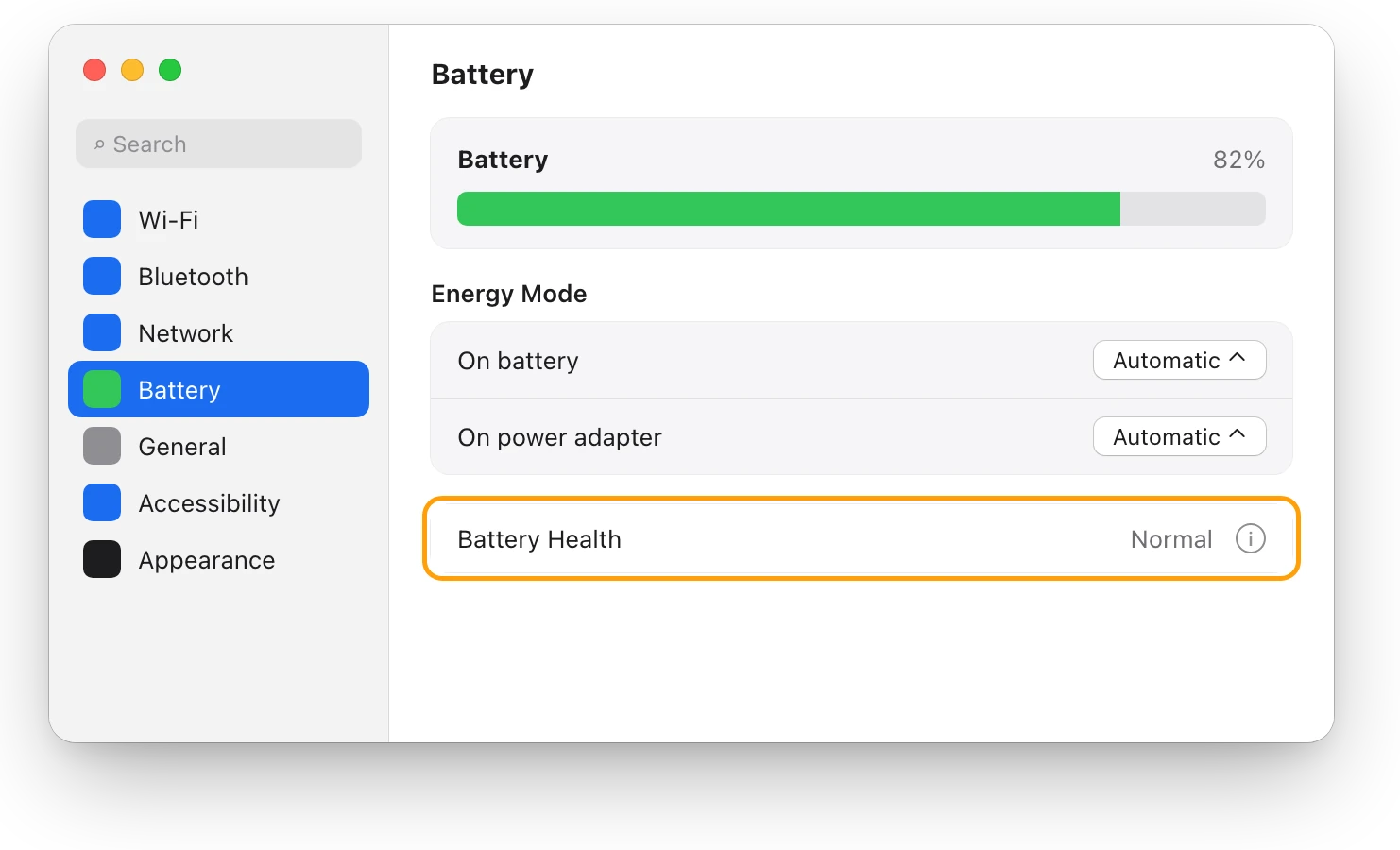
- Click Last 24 Hours to see the battery level and screen-on usage, or Last 10 Days to see energy usage and screen-on usage each day.
If the battery still drains fast with Low Power on, an app may be keeping your Mac busy. MacBook battery draining fast? See what’s busy shows how to find it.
Questions people also ask
Is it bad to leave Low Power Mode on all the time?
No. Apple offers it on battery, on the power adapter, or both, so leaving it on is a normal setting. Switch to Automatic when you want full speed.
Why don’t I see Energy Mode in Battery settings?
Not every Mac has it. Some Mac laptops show a Low Power Mode pop-up menu instead, and Apple says some options depend on your Mac.
Does Low Power Mode make my fans quieter?
On recent Macs with fans, yes: Apple says that in macOS Sequoia 15.1 or later, Low Power Mode helps reduce fan noise for tasks done in quiet places.
Scope for Mac · Free, coming to the Mac App Store
How Scope helps
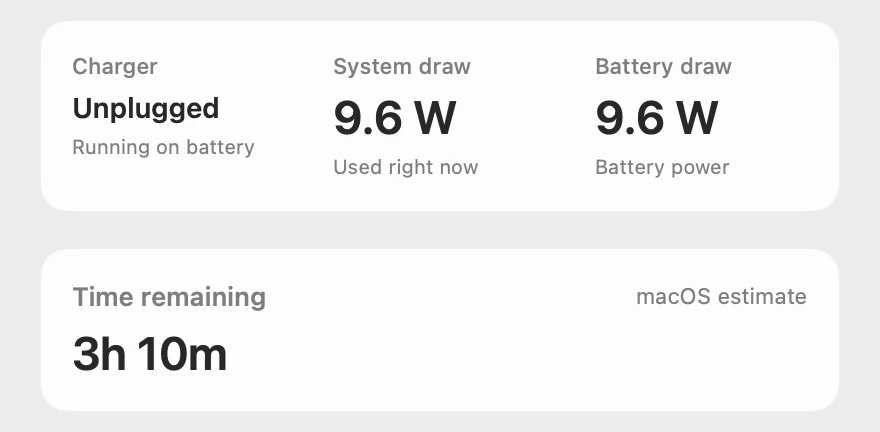
Scope is a free Mac menu bar app that shows how much power your MacBook is using, in watts, whether the battery or a charger supplies it, macOS’s time estimate, and whether Low Power Mode is on. It saves guessing what a mode change does: you see the watts before and after.
In your menu bar
Scope Free keeps one whole menu bar item of your choice. Battery can also show what your Mac is using, in watts, beside the percentage.

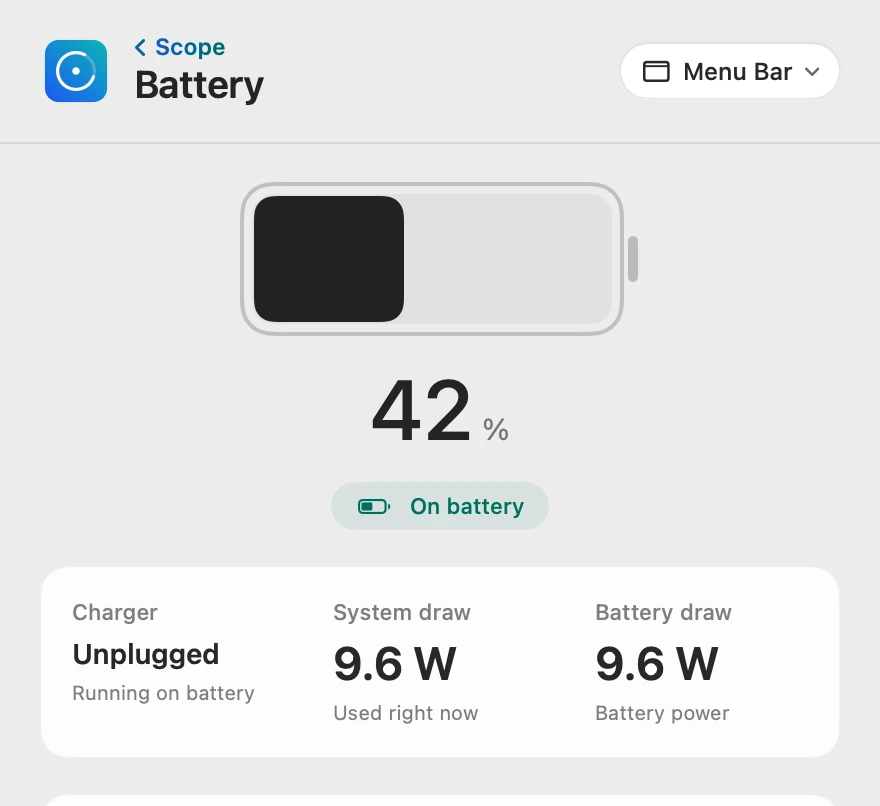
Power use, in watts
System draw is what your Mac is using right now. Look at it before and after you change Energy Mode, doing the same work, to see what the change does on your own Mac. Scope’s Battery health card also shows whether Low Power Mode is on, as macOS reports it.
Scope shows and explains. It doesn’t change your Energy Mode or any other setting.
Try it here
The real Scope, working, right in this page.
Click any item in the menu bar, or a card inside, as you would on your Mac.
Scope Pro Every menu bar item is shown here. Scope Free keeps one whole item of your choice, with every reading inside.
See what your own Mac uses.
Keep reading
Guide · Battery
Mac battery problems: drain, health and charging
Most MacBook battery problems are a busy app, a worn battery, charging paused on purpose or a weak charger. Here’s how to tell which, with macOS’s tools.
Battery
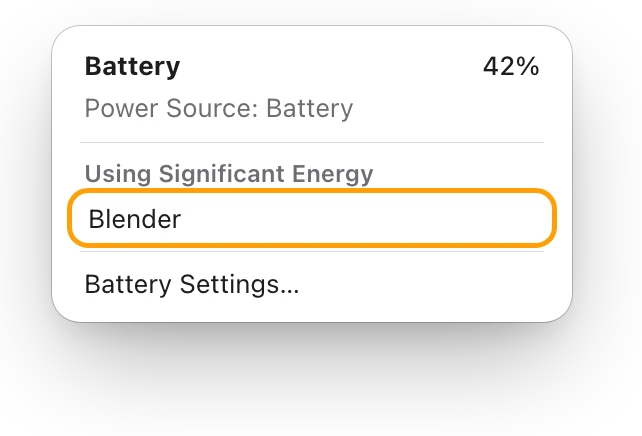
MacBook battery draining fast? See what’s busy
A MacBook battery drains fast when an app keeps it busy. The battery menu and Activity Monitor’s Energy tab show which one; here’s what to do.
Battery
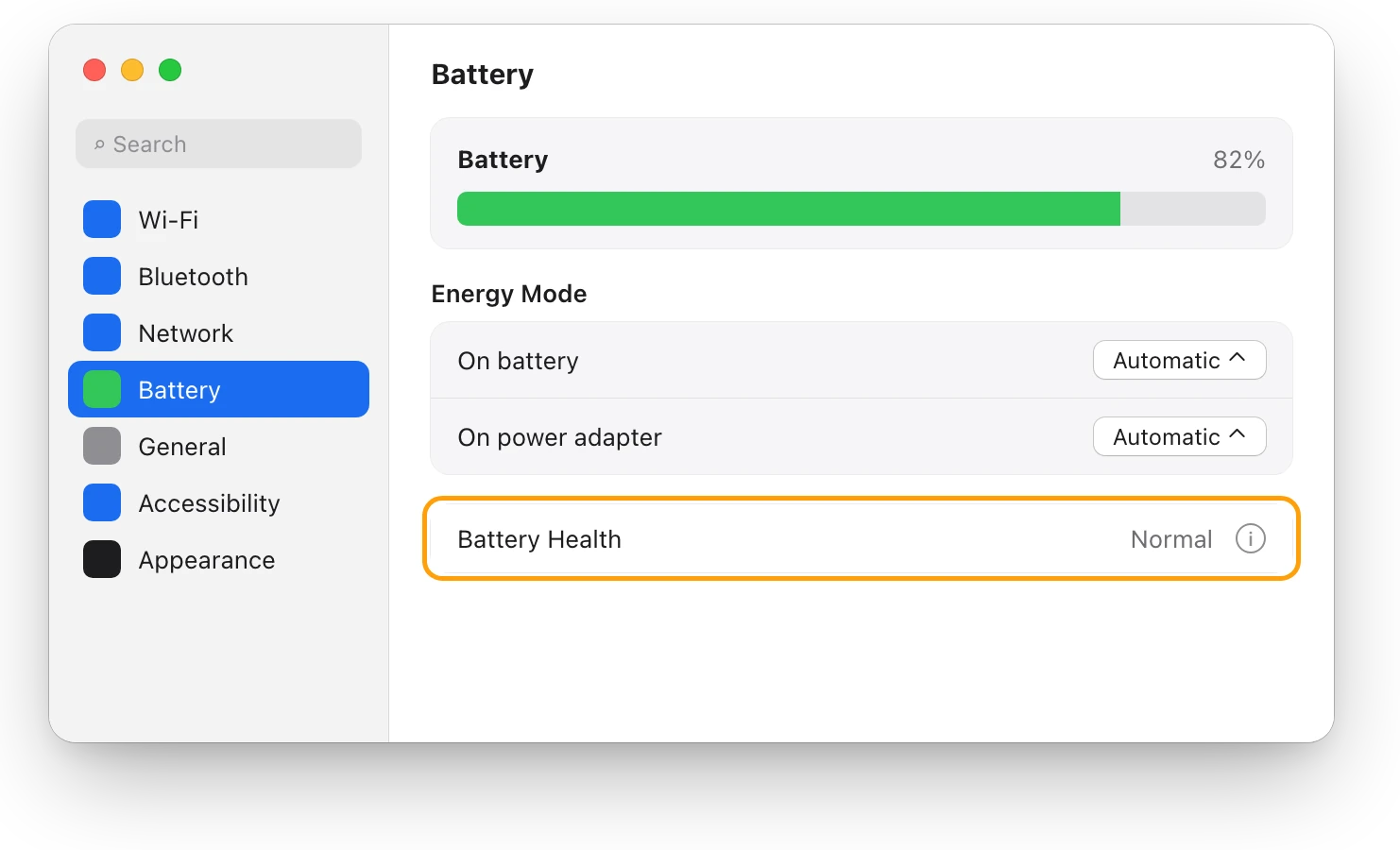
MacBook battery health and cycle count, explained
Battery Health in System Settings shows if your MacBook’s battery is Normal; System Information shows its cycle count. Here’s how to read both.
Heat
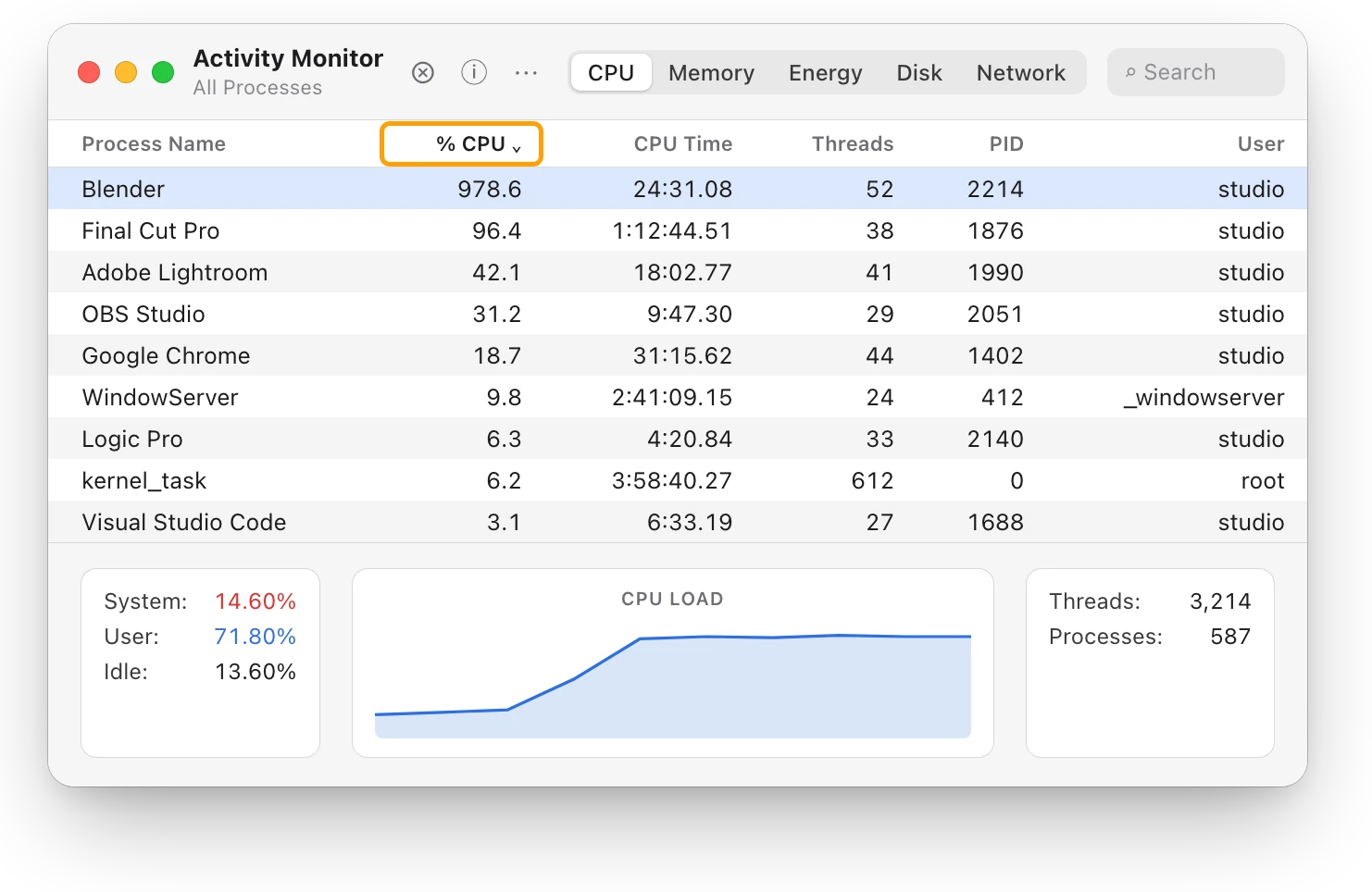
MacBook fan loud? What’s making it spin up
A MacBook fan gets loud when the Mac works hard for minutes, the room is warm or the vents are blocked. Find the busy app, then give your Mac air.
Heat
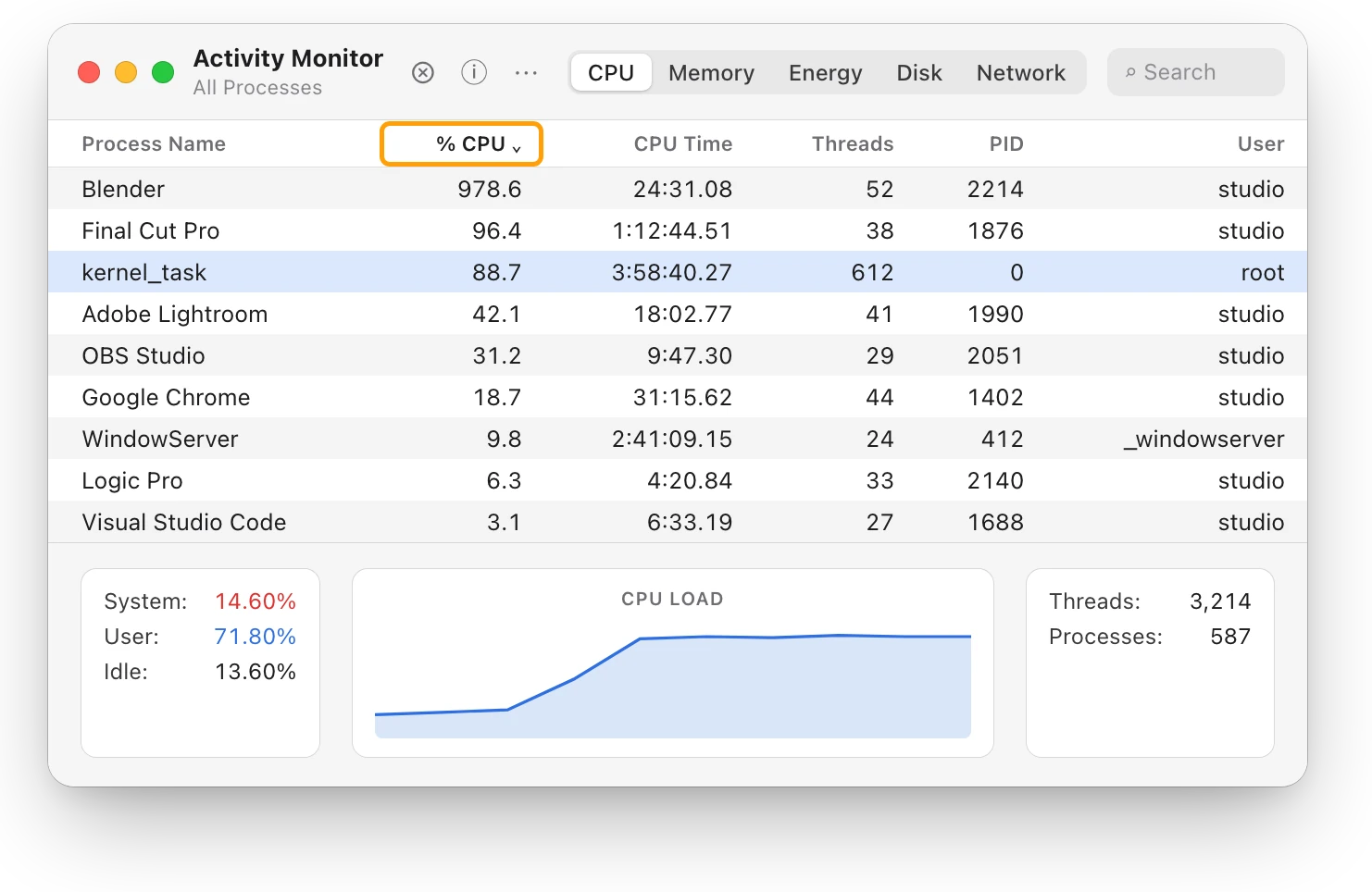
Mac thermal throttling: what the heat level means
Thermal throttling is macOS slowing a hot Mac so it can cool. Here’s what its four heat levels mean, how to check for it, and how to keep your Mac cooler.
Sources
- Apple Support: About Power Modes on your Mac
- Apple Support: Change Battery settings on a Mac laptop
- Apple Support: Save energy on your Mac
- Apple Support: What is the Battery Status menu on Mac?
Last checked October 18, 2026. Readings, apps and files in the pictures are from a made-up Mac.