The Scope app icon, logo files and screenshots of the menu bar system monitor, free to use when you write or talk about Scope.
About Scope
Scope is a Mac system monitor that lives in the menu bar. It shows CPU, GPU, RAM, drives, network and battery live, explains every reading in plain words, and tests drive and internet speed. It doesn’t clean or “fix” anything: it shows what your Mac is doing and why. Readings stay on the Mac, with no account and no analytics.
Scope is free. Scope Pro is $5.99 once (Launch Price), with a 14-day free trial. No subscription.
Name
Scope (Scope for Mac)
What it is
A menu bar system monitor for the Mac
Requires
macOS 13 Ventura or later, Apple silicon and Intel
Every picture is Scope itself, showing a made-up Mac: the apps are real, the readings and files are examples. Features marked Scope Pro are part of the one-time upgrade.
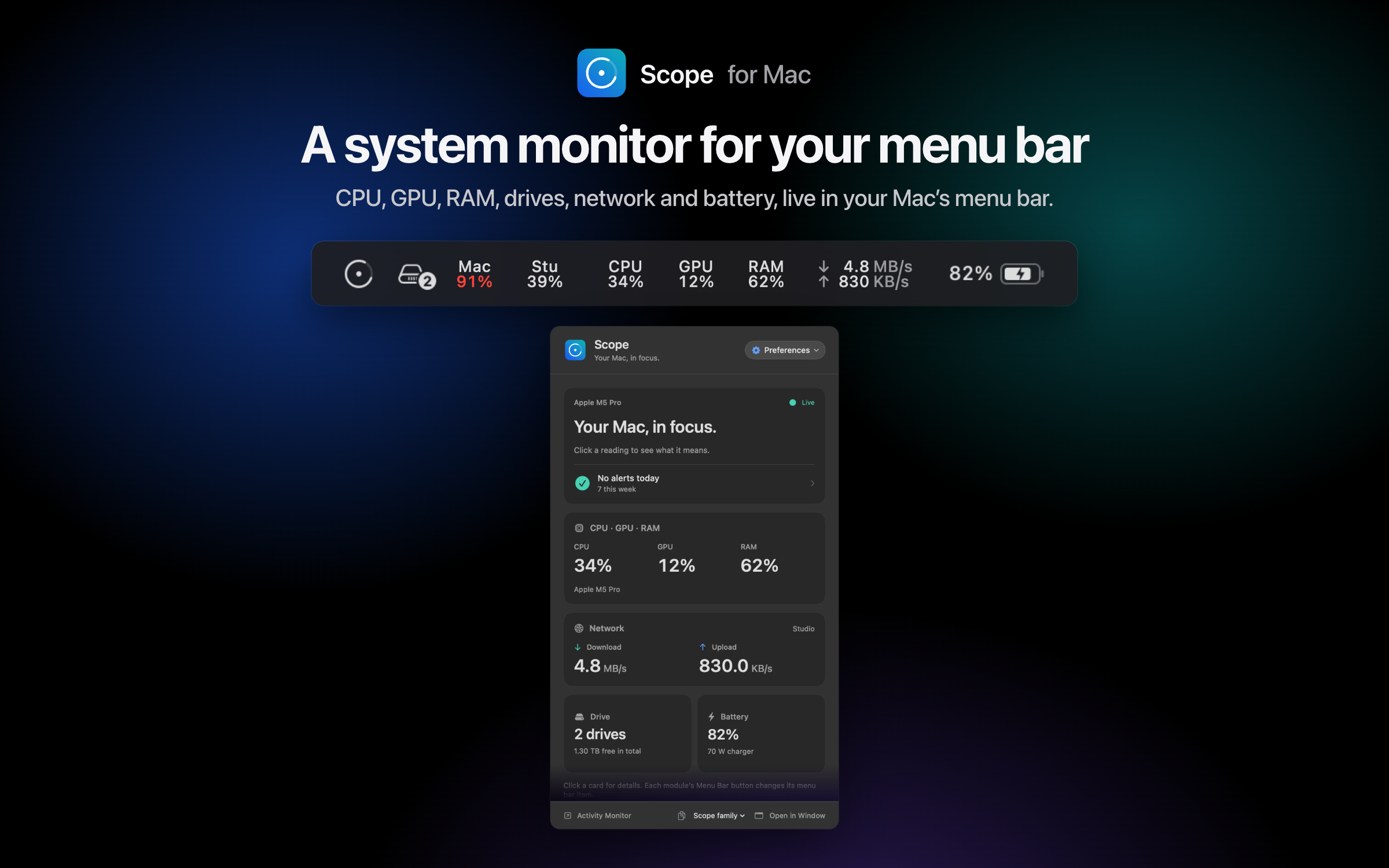
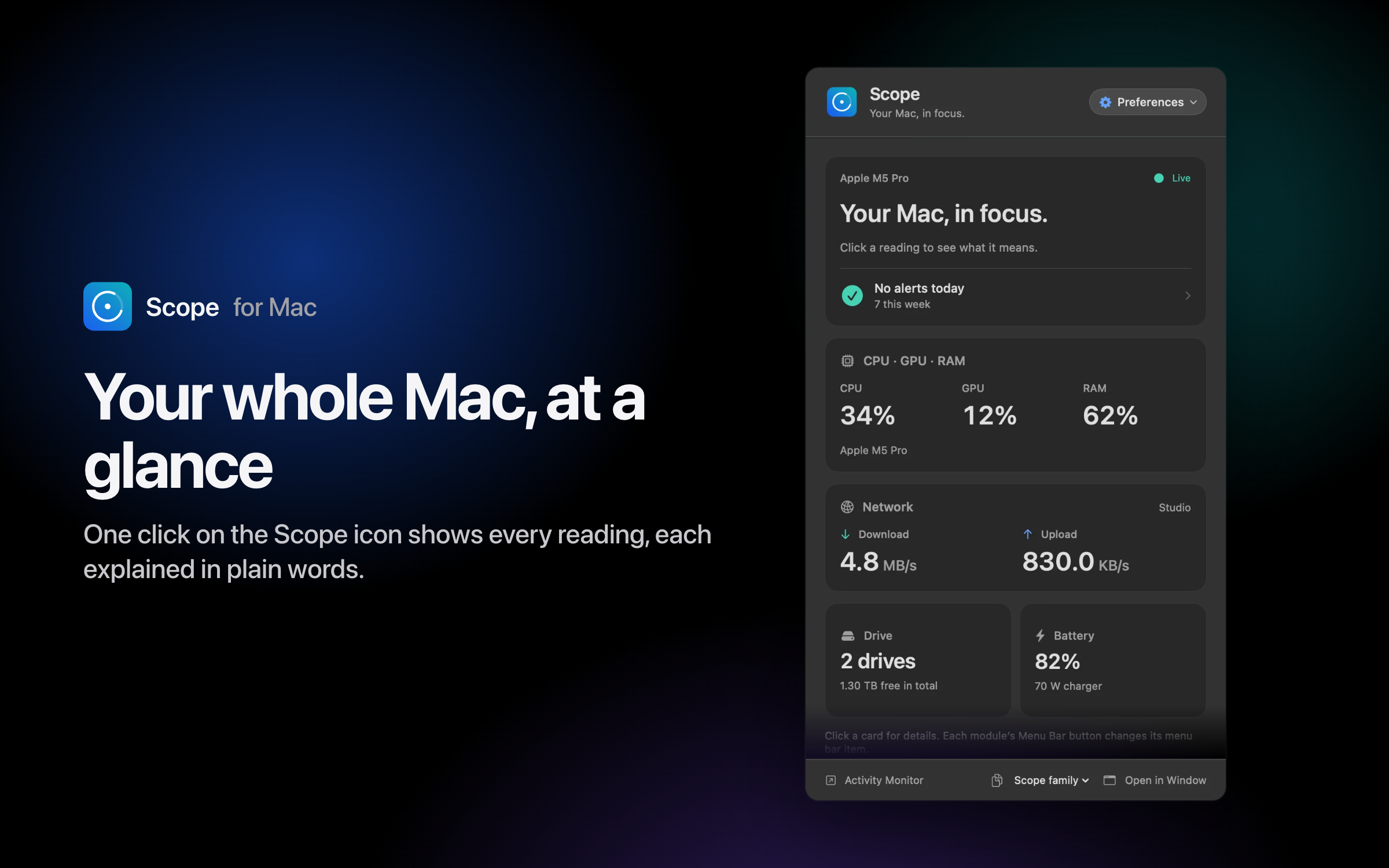
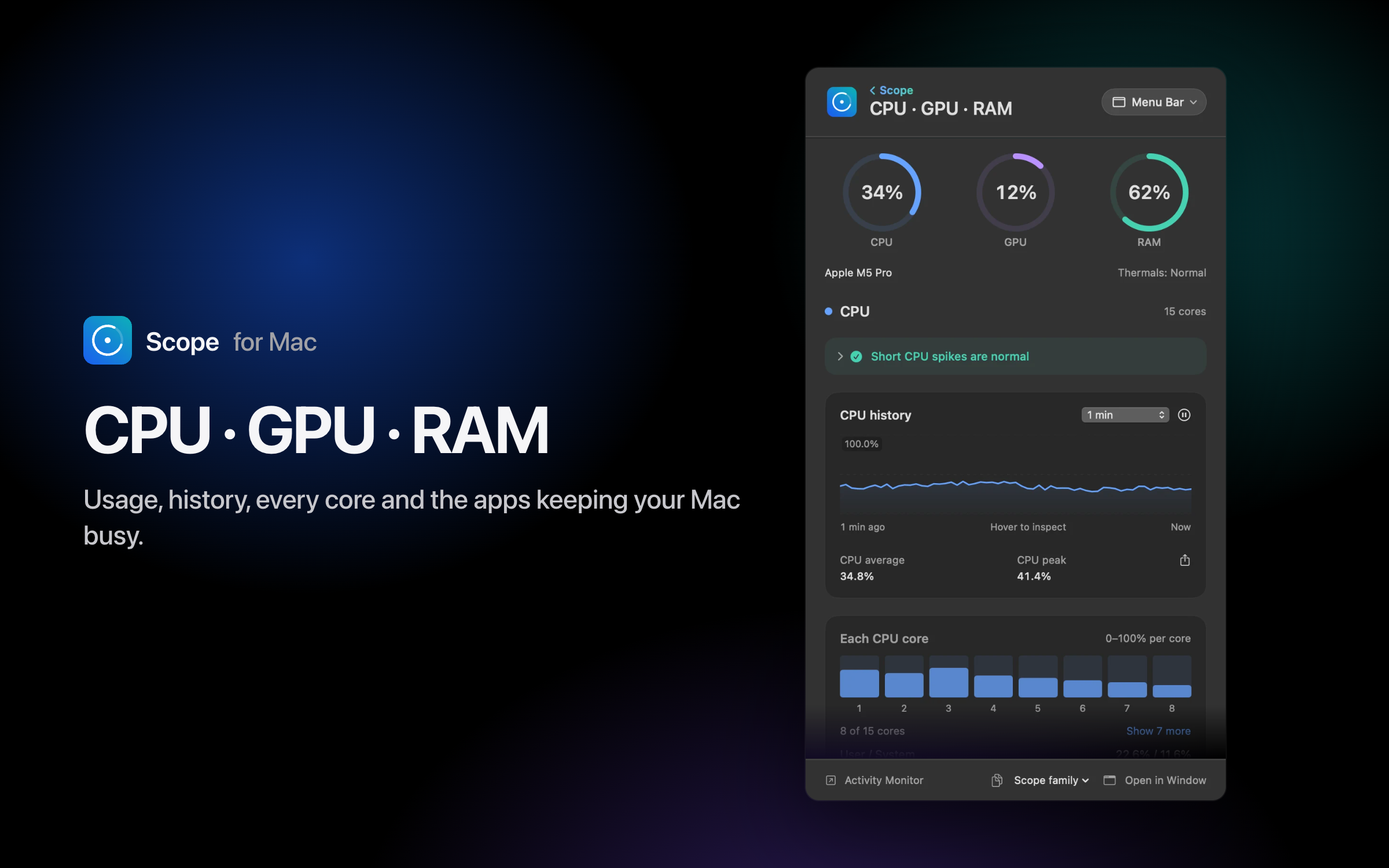
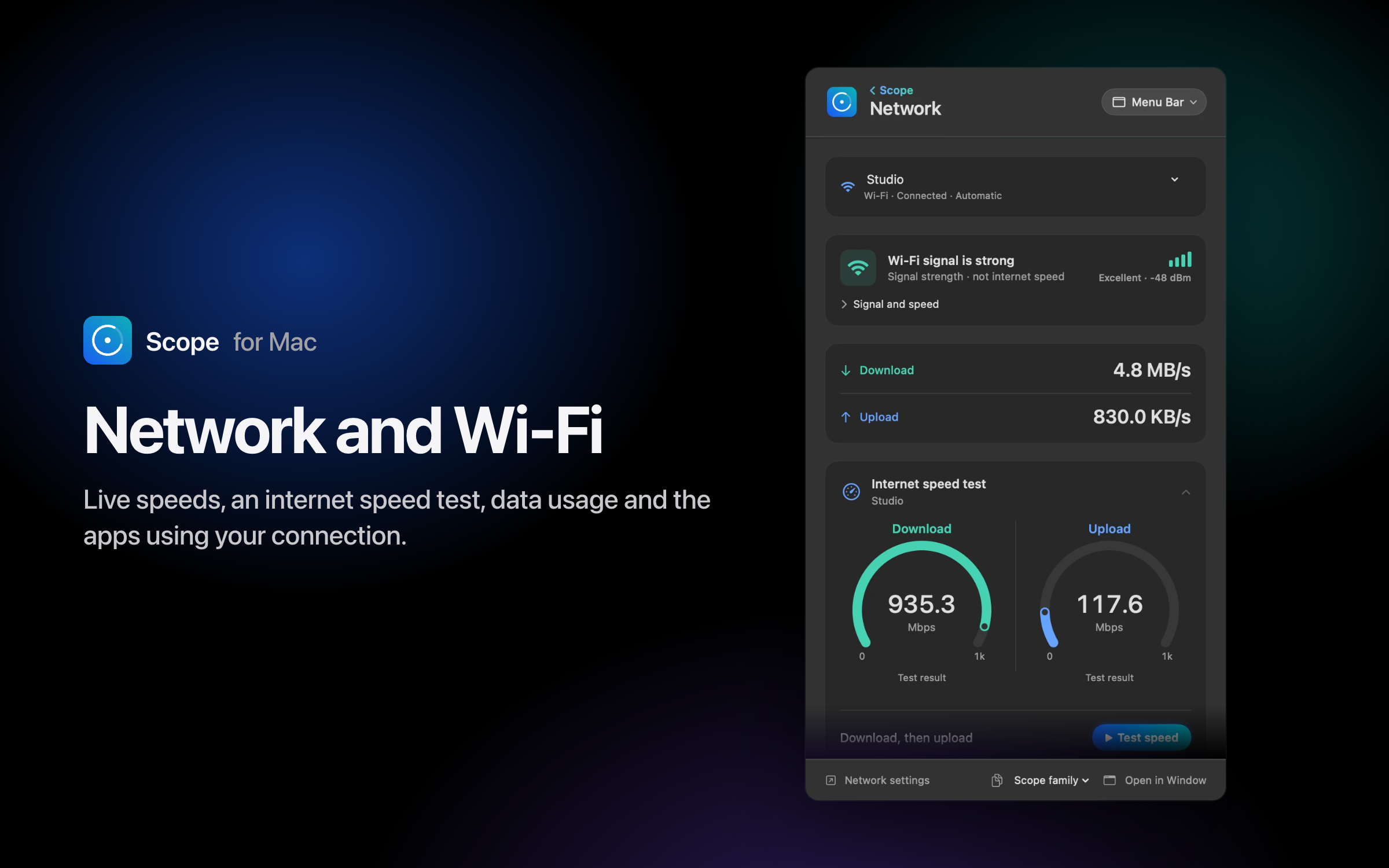
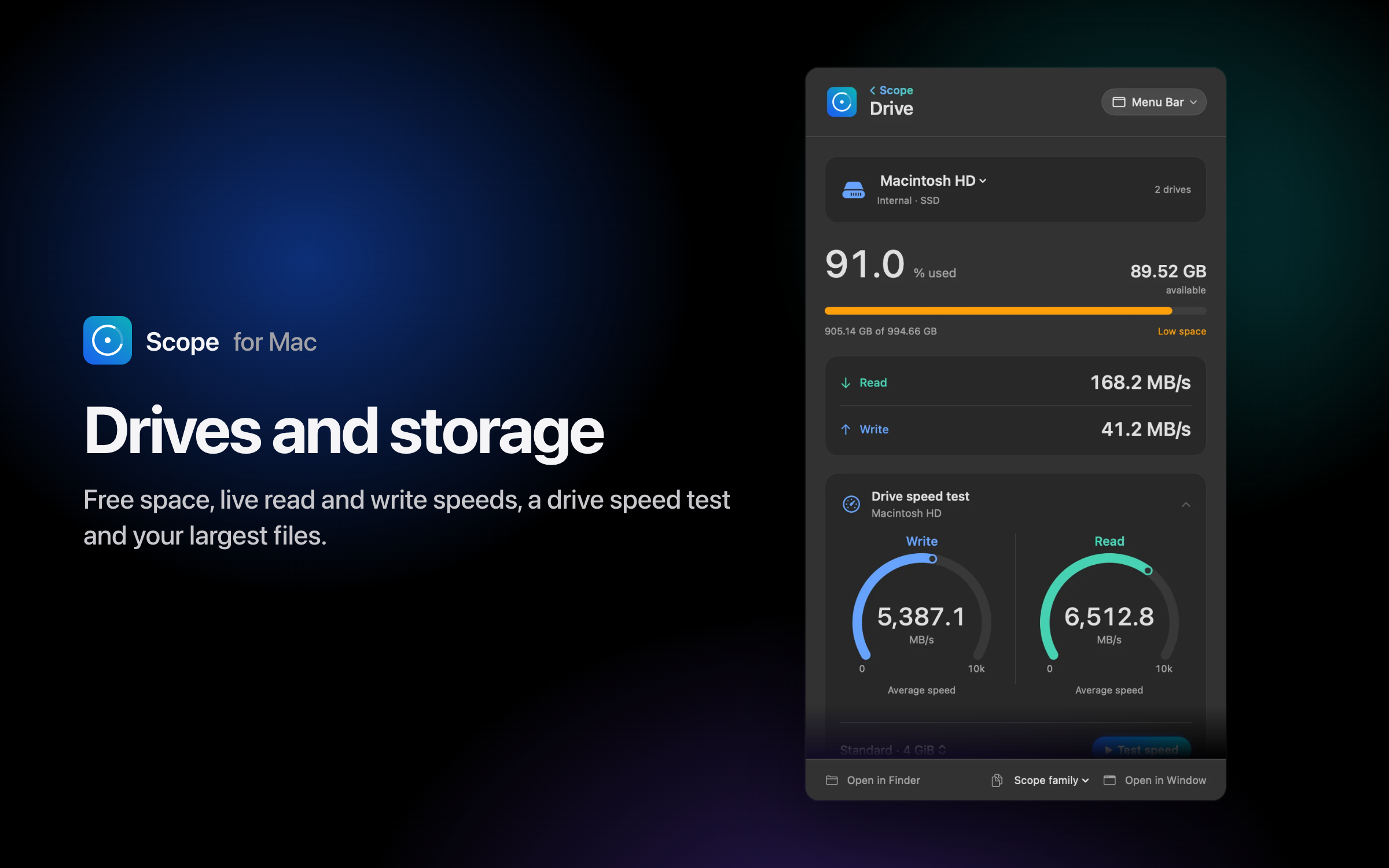
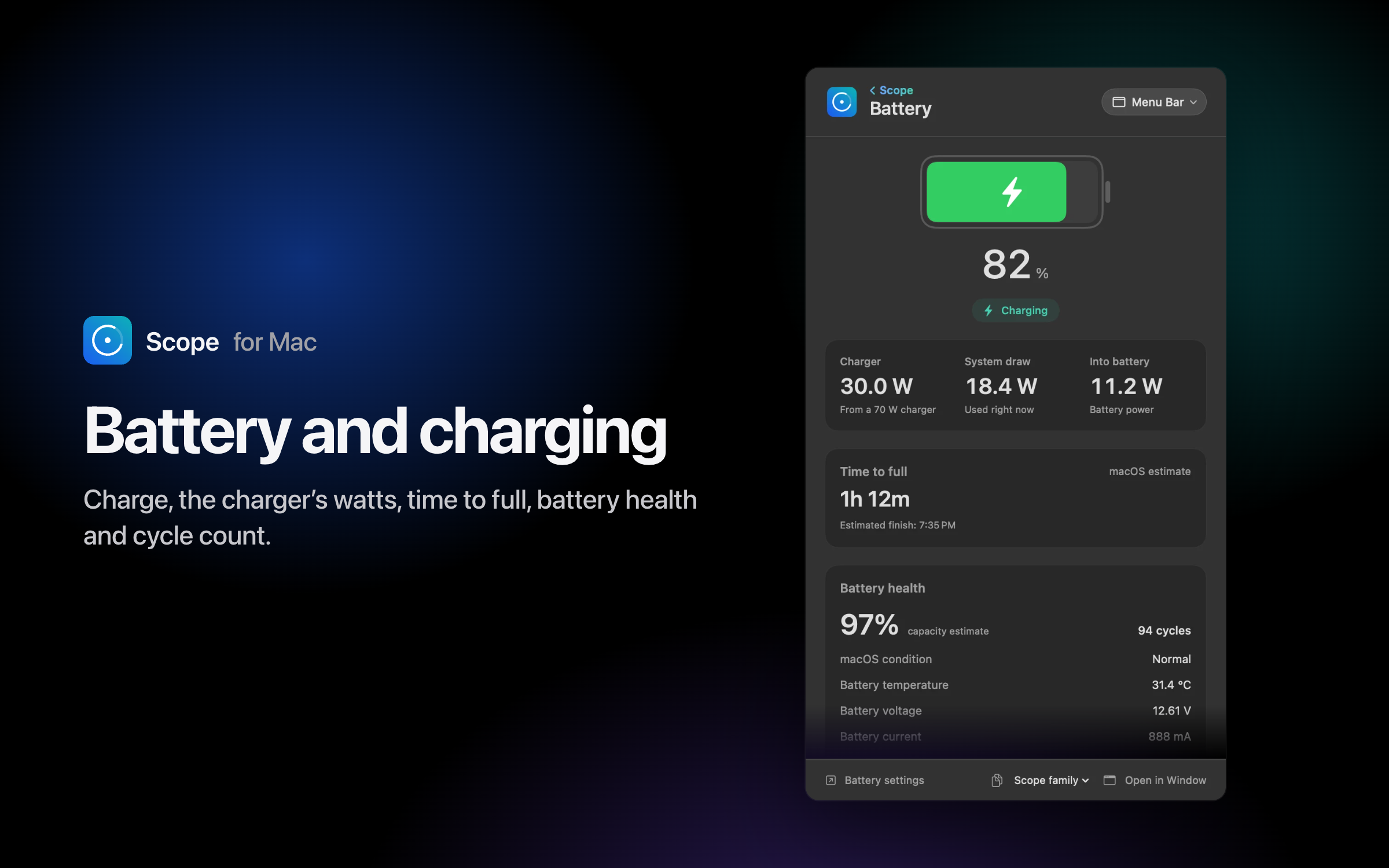
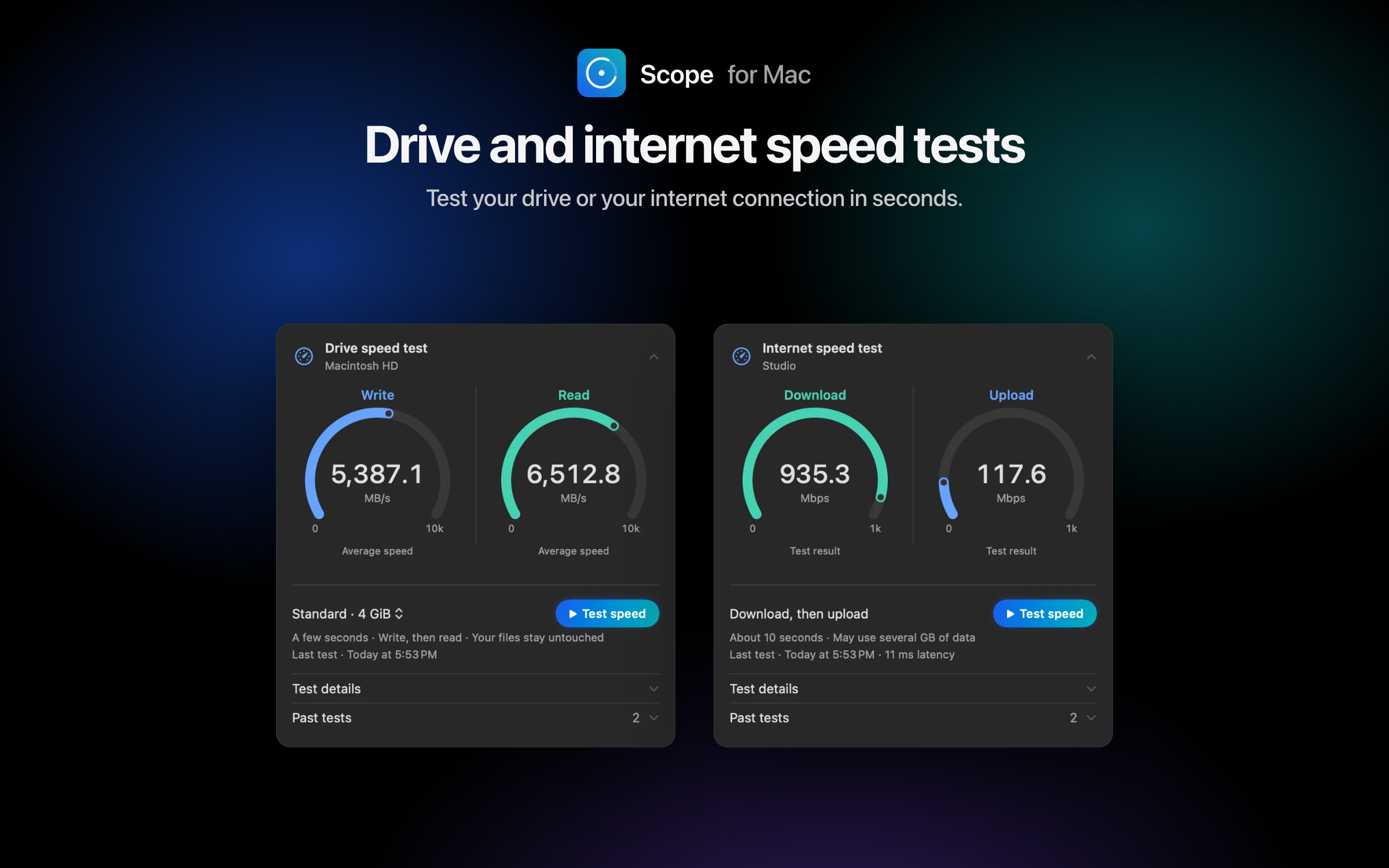
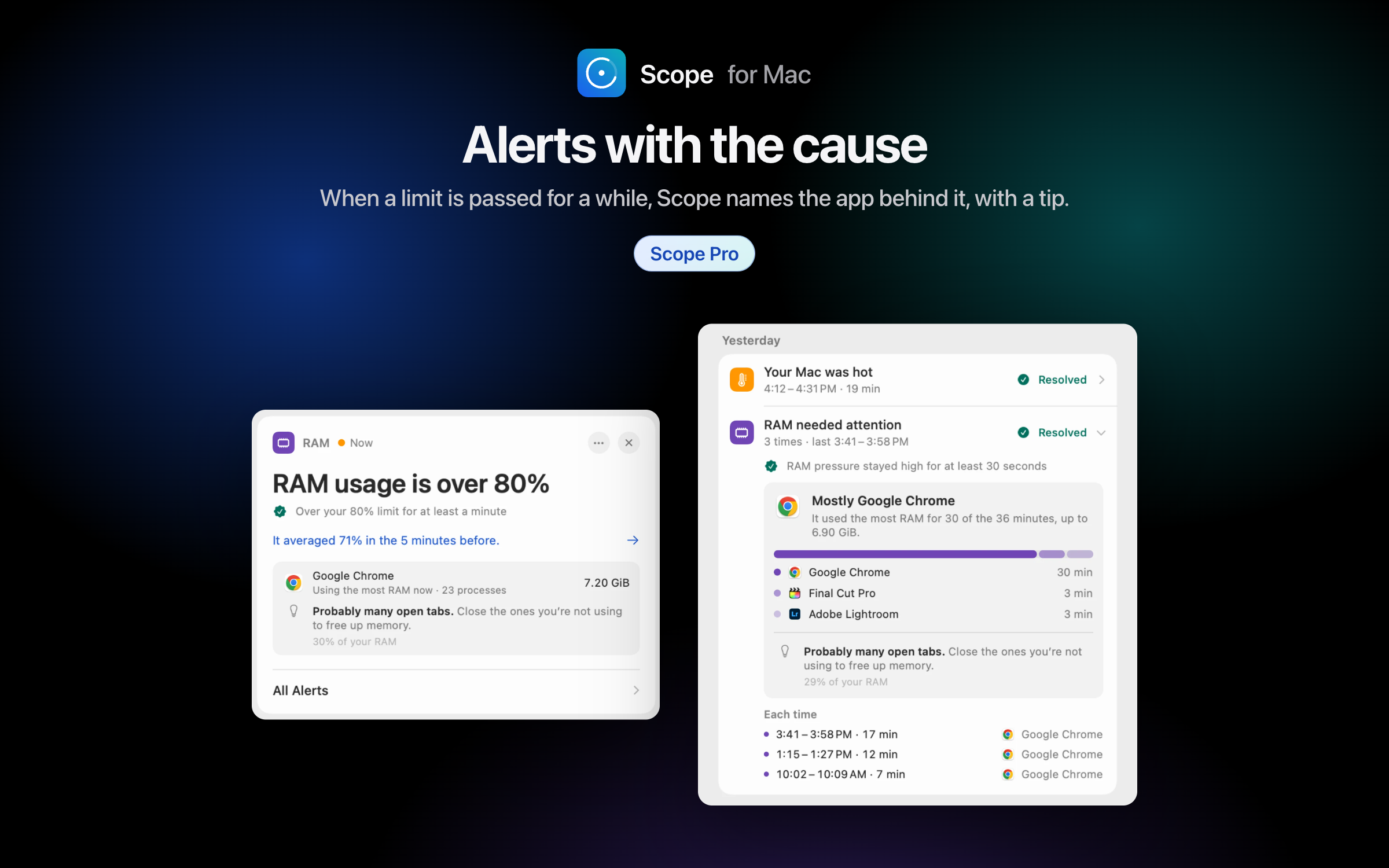
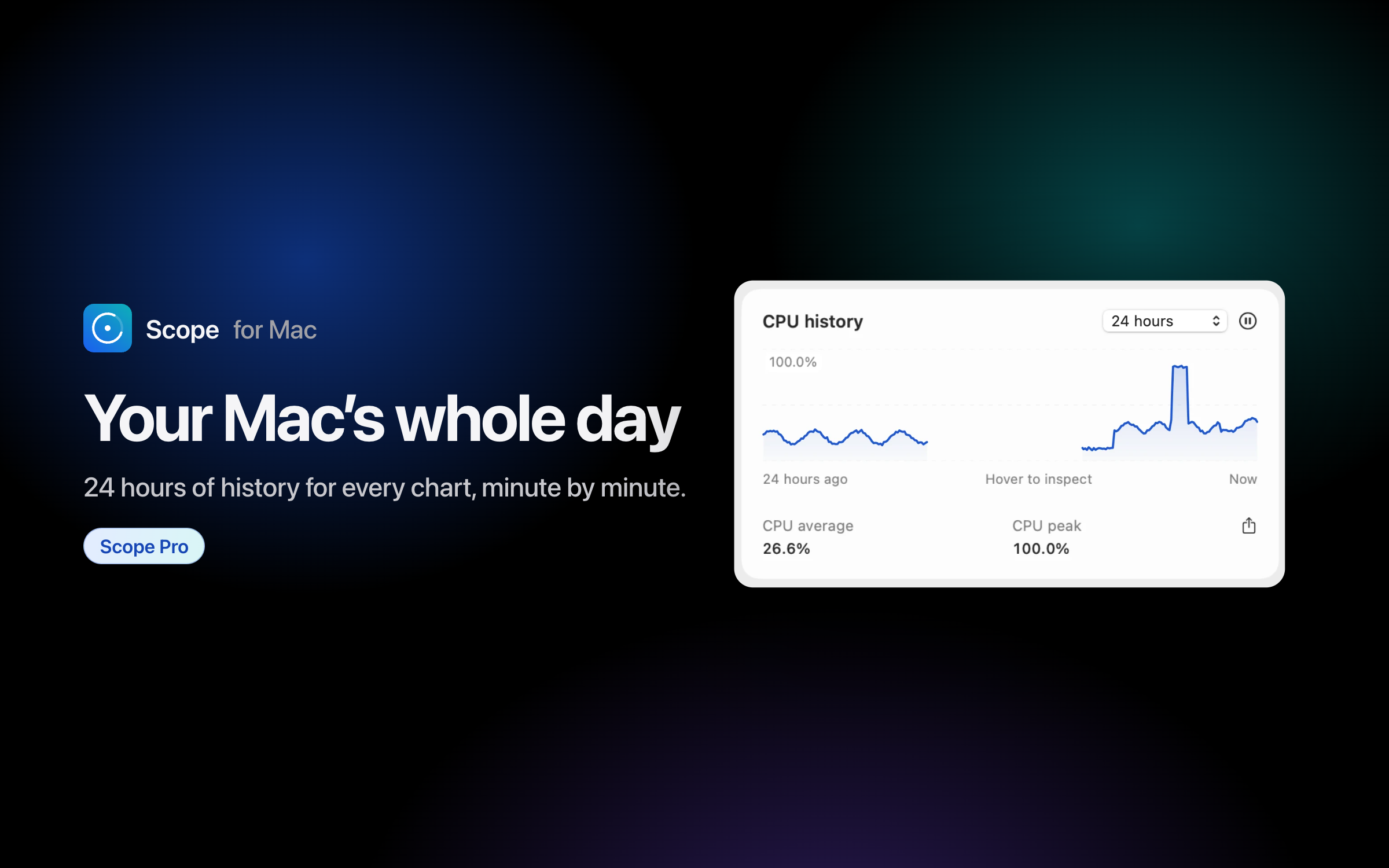
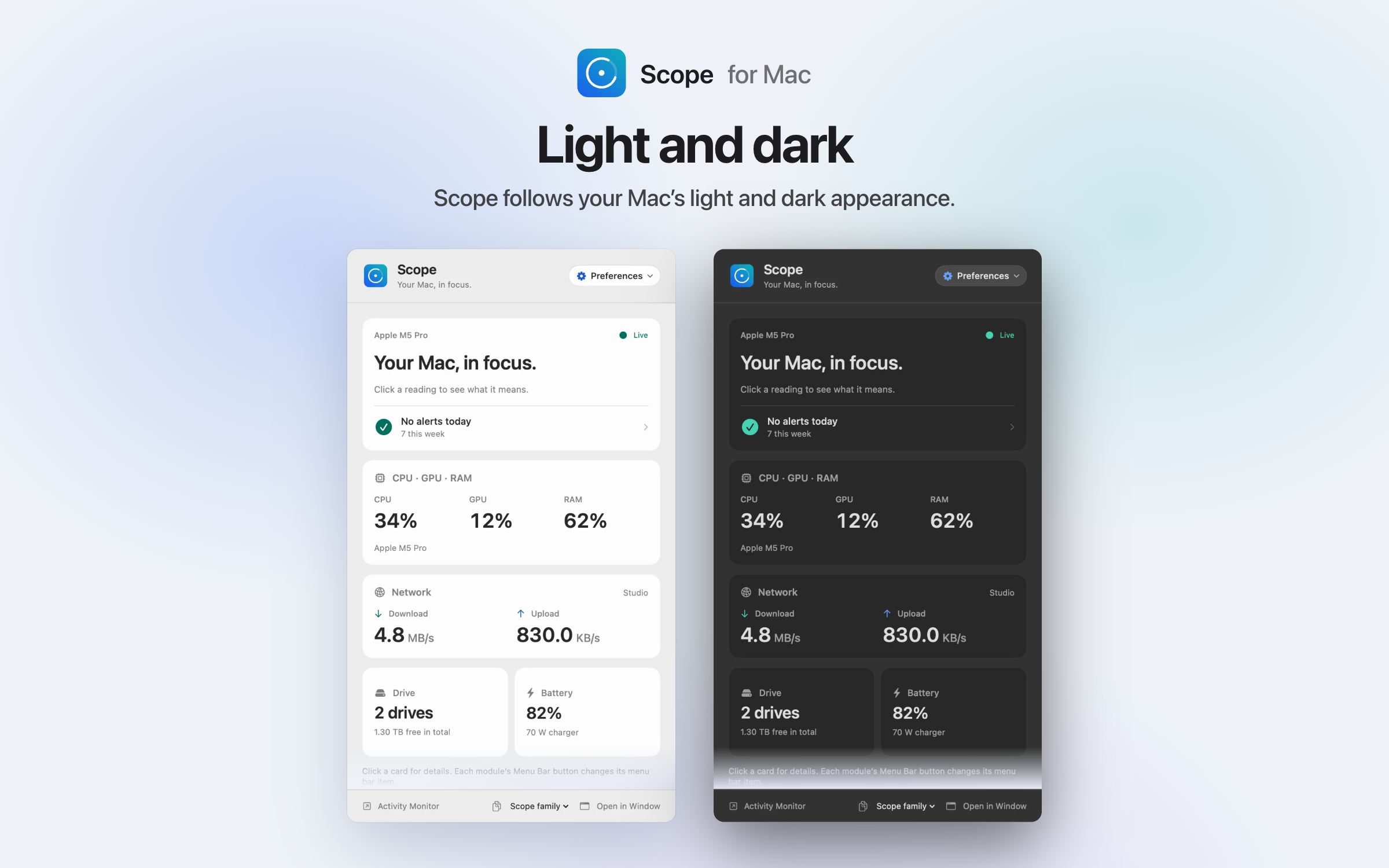
A system monitor for your menu bar CPU, GPU, RAM, drives, network and battery, live in your Mac’s menu bar.Download PNG, 2400 × 1500Your whole Mac, at a glance One click on the Scope icon shows every reading, each explained in plain words.Download PNG, 2400 × 1500CPU · GPU · RAM Usage, history, every core and the apps keeping your Mac busy.Download PNG, 2400 × 1500Network and Wi-Fi Live speeds, an internet speed test, data usage and the apps using your connection.Download PNG, 2400 × 1500Drives and storage Free space, live read and write speeds, a drive speed test and your largest files.Download PNG, 2400 × 1500Battery and charging Charge, the charger’s watts, time to full, battery health and cycle count.Download PNG, 2400 × 1500Drive and internet speed tests Test your drive or your internet connection in seconds.Download PNG, 2400 × 1500Alerts with the causeScope Pro When a limit is passed for a while, Scope names the app behind it, with a tip.Download PNG, 2400 × 1500Your Mac’s whole dayScope Pro 24 hours of history for every chart, minute by minute.Download PNG, 2400 × 1500Light and dark Scope follows your Mac’s light and dark appearance.Download PNG, 2400 × 1500
Using these files
Use them freely in articles, reviews, videos and posts about Scope. Credit: “Scope for Mac”.
Please don’t change the icon’s shape or colors, or show readings Scope didn’t show.
Scope is not made by Apple. Mac and macOS are Apple’s trademarks; other apps’ names and icons belong to their owners.
Want a different picture, a review copy or an interview? Write to [email protected].