Scope for Mac
Mac speed test app: SSD, external drive and internet
Scope is a free Mac menu bar app with two speed tests built in: one for drives and one for your internet connection. The drive test measures how fast your Mac’s own SSD or an external drive writes and reads. The internet test measures download, upload, latency and responsiveness with Apple’s own test engine. Both run only when you click Test speed.
Free, coming to the Mac App Store. Scope Pro is a one-time purchase.
In your menu bar
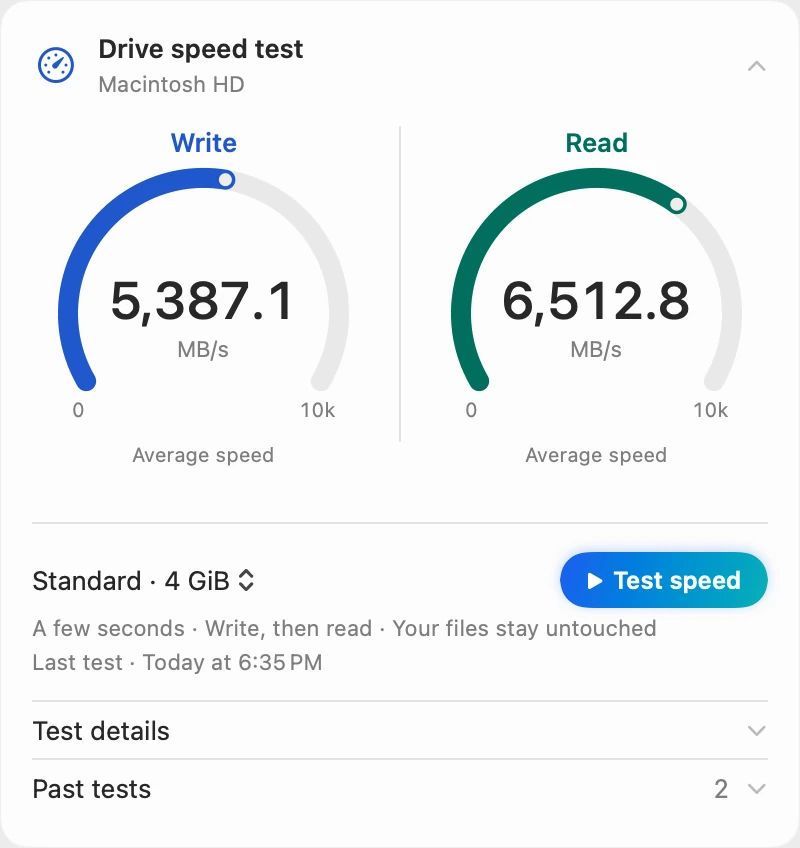
The drive test sits in Drive, right under the live read and write speeds, and the internet test sits in Network, under the live download and upload speeds. Scope Free keeps one whole menu bar item of your choice, and every other panel opens from the Scope icon.

Write, then read
Choose a size, Quick · 1 GiB (one pass), Standard · 4 GiB or Extended · 8 GiB (three passes each), then Test speed. Scope writes first, then reads, with macOS file caching turned off and the time to finish each write counted, so memory can’t make the drive look faster. Before it starts, it says about how long the test will take.
How it measured
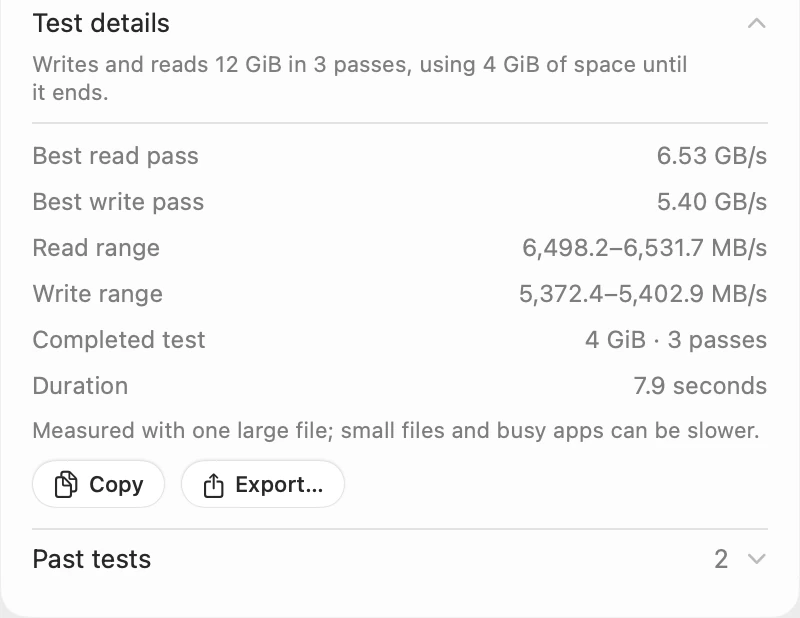
Test details shows how much the test wrote and read, the best pass and the range for each direction, and how long it took. It also says the test used one large file, so small files and busy apps can be slower. Copy copies the result as text; with Scope Pro, Export… saves it as a report file.
An external drive
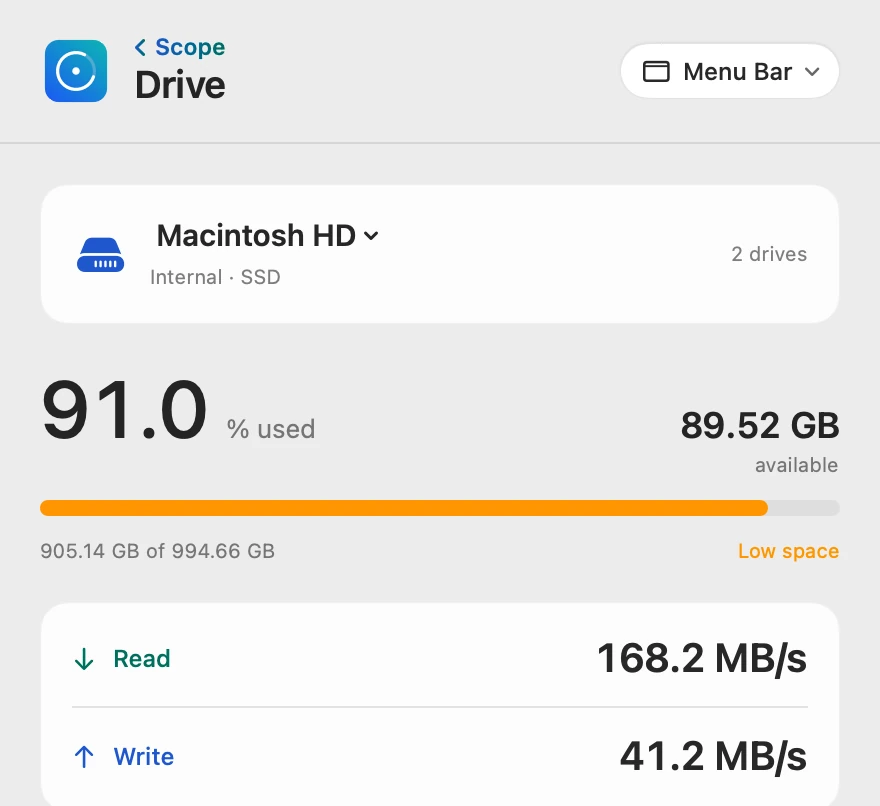
Choose the drive at the top of Drive, then Test speed. The first time, Scope asks once to use that drive, and the same answer covers Largest files. Memory cards, flash drives and hard drives start on Quick, marked Recommended, because they write many times slower than SSDs. Past tests let you compare the same drive on another cable or port.
Internet speed
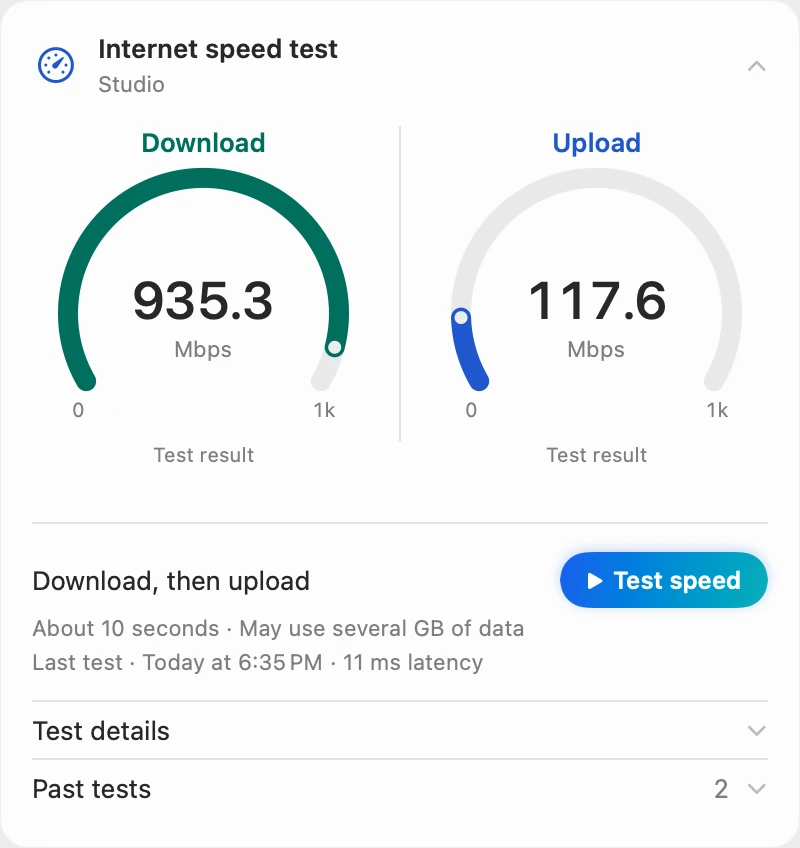
The internet test uses Apple’s built-in networkQuality engine, the one behind the networkQuality command in Terminal. It tests download, then upload, and says it uses data before you start. The result measures the path to Apple’s test service at that moment, so it isn’t a promise of your plan’s top speed.
Responsiveness
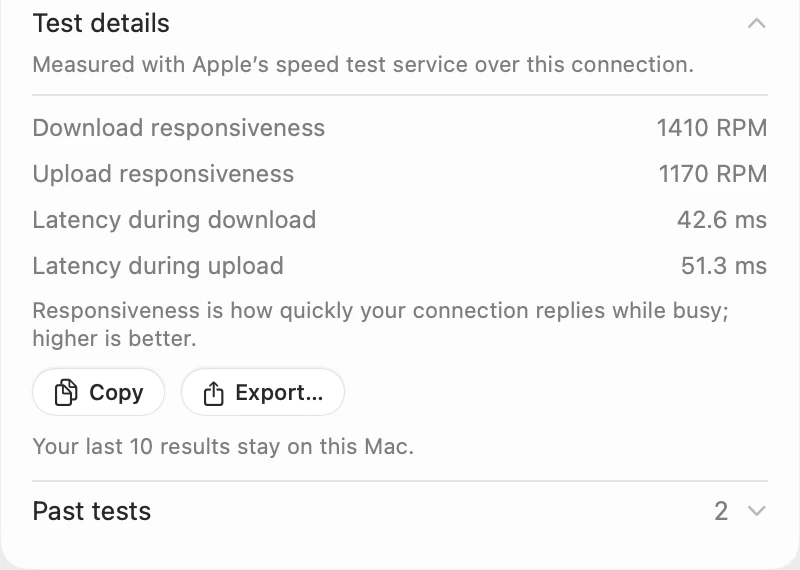
Responsiveness is how quickly your connection replies while it’s busy, in round trips per minute (RPM); higher is better. Here it’s 1410 RPM while downloading and 1170 RPM while uploading, which is 42.6 ms and 51.3 ms of latency under load. Idle latency, 11 ms, is how quickly the internet replies when the connection is quiet. Download speed alone doesn’t explain every connection problem, so the test reports both.
Past tests
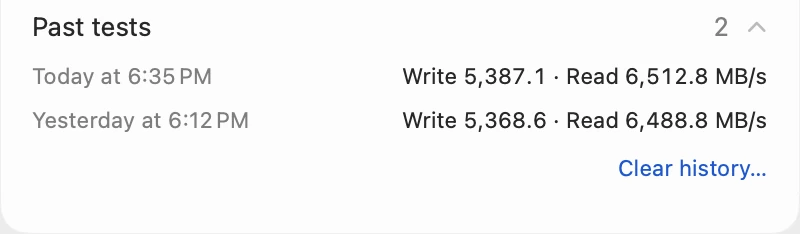
Each test keeps its last 10 results on your Mac. Past tests shows a drive’s three newest, one line each, and See more shows the rest; the internet test lists the current connection’s results the same way. Clear history… removes one drive’s or one connection’s results and keeps the others.
Scope Free and Scope Pro
| Scope Free | Scope Pro adds |
|---|---|
| The drive speed test, Quick, Standard and Extended, on any drive you allow | The same |
| The internet speed test: download, upload, idle latency, responsiveness and latency under load | The same |
| Past tests: the last 10 results of each test, kept on your Mac | The same |
| Copy a result as text | Export… saves a test report as a file |
| One whole menu bar item, such as Drive or Network | Every Scope item in the menu bar at once |
Questions people also ask
Is the drive speed test safe for my files?
Yes. Scope writes and reads only a temporary test file of its own, and never opens your documents for writing. It keeps 1 GiB of free space in reserve, and the test file is gone when the test ends.
Why is Scope’s drive result lower than other tests?
Because Scope turns macOS’s file caching off and counts the time to finish each write, so the result is what the drive itself did. It’s measured with one large file at that moment, not a guaranteed maximum.
How much data does the internet test use?
It can transfer several GB and fill your connection while it runs, so avoid running it during a call or on a limited data plan. It never starts by itself, and Stop ends it.
Does the internet test send my data anywhere?
It contacts Apple’s test service, only when you click Test speed, and sends test traffic. Your monitoring data stays on your Mac, and Scope has no analytics.
Can I test a USB flash drive or a memory card?
Yes. They start on Quick · 1 GiB, marked Recommended. A drive formatted as MS-DOS (FAT) can’t hold a file of 4 GiB or more, so it offers only Quick and says why.
Is it free?
Yes. Both speed tests are part of Scope Free, with past tests and Copy, for as long as you like. Scope Pro, a one-time purchase, adds saving test reports as files.
Try it here
The real Scope, working, right in this page.
Click any item in the menu bar, or a card inside, as you would on your Mac.
Scope Pro Every menu bar item is shown here. Scope Free keeps one whole item of your choice, with every reading inside.
See the speed tests on your own Mac.
Guides for this
Drives
How to test SSD speed on a Mac
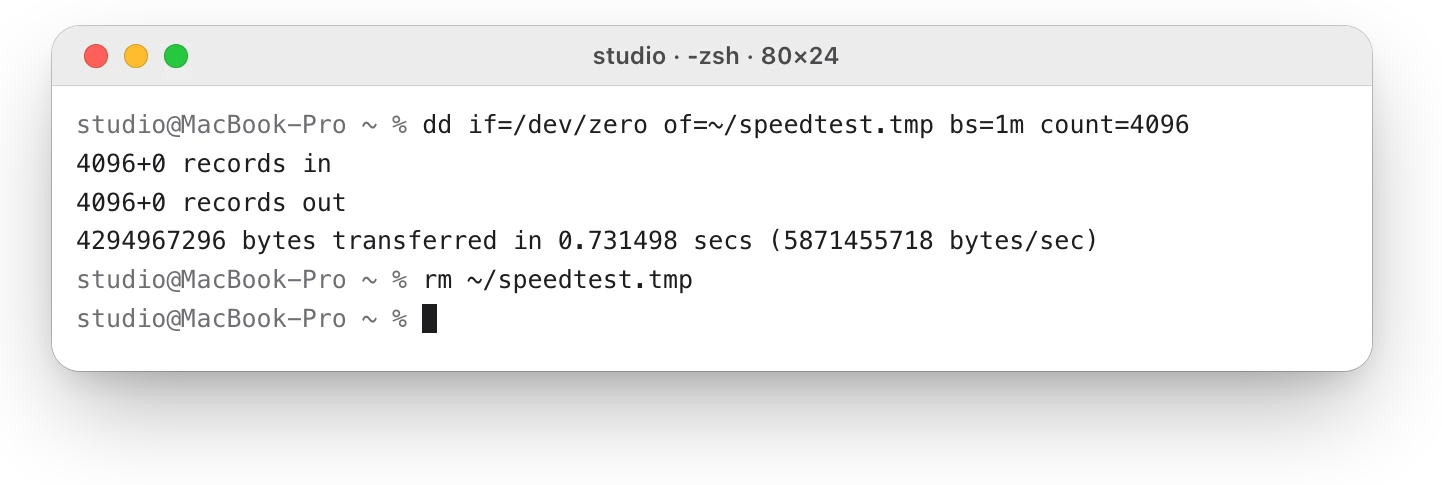
macOS has no SSD speed test, but Terminal’s dd gives a rough write speed. Here’s how to run it safely, and why caching can make the result look too fast.
Internet and Wi-Fi
How to test internet speed on a Mac
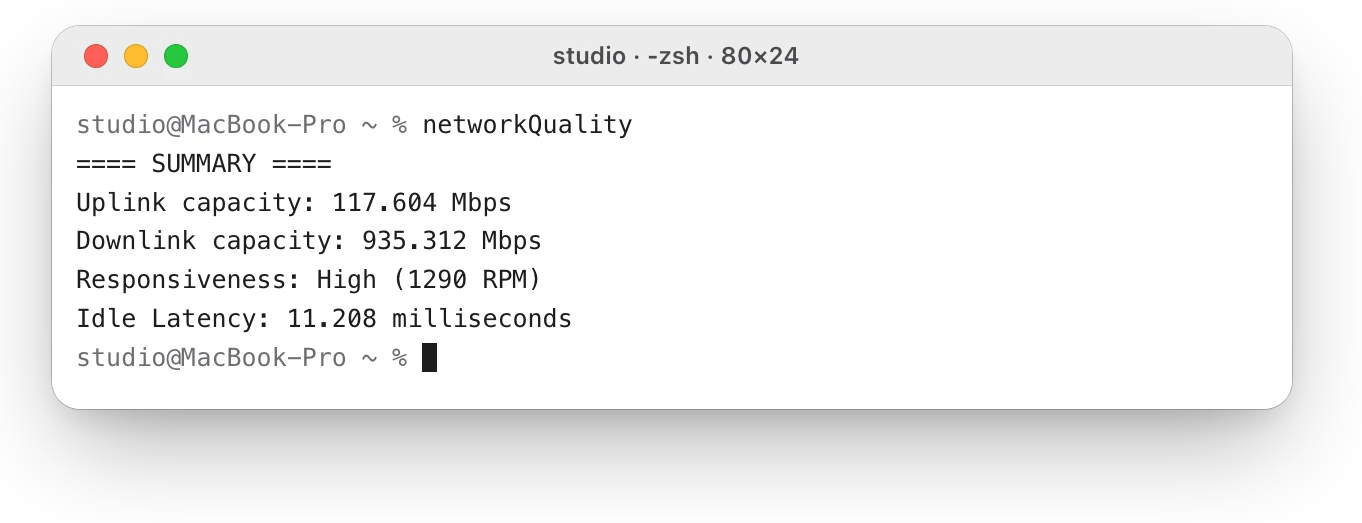
Every Mac has a built-in internet speed test: type networkQuality in Terminal. Here’s how to run it and read its capacity and responsiveness.
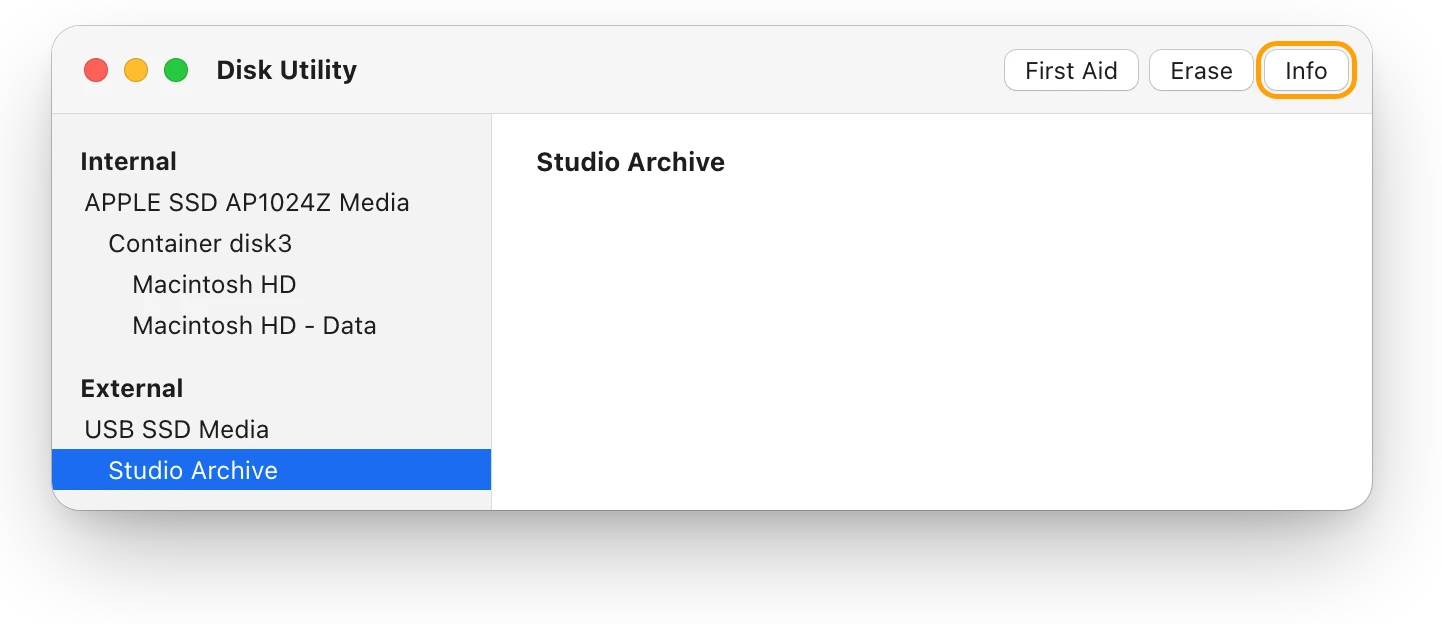
Drives
APFS, exFAT or Mac OS Extended: which format to use
For a Mac-only external drive, choose APFS; for one shared with Windows, choose exFAT. Here’s how the formats compare, and how to check or change yours.
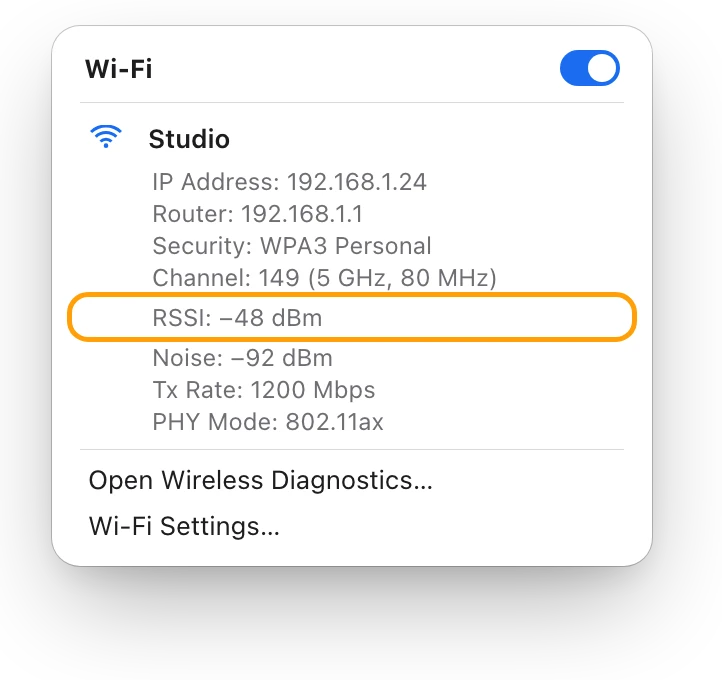
Internet and Wi-Fi
Why is my Mac’s Wi-Fi so slow? How to find out
Slow Wi-Fi on a Mac is a weak link to the router or a slow line behind it. Option-click the Wi-Fi menu, run networkQuality, then check Activity Monitor.
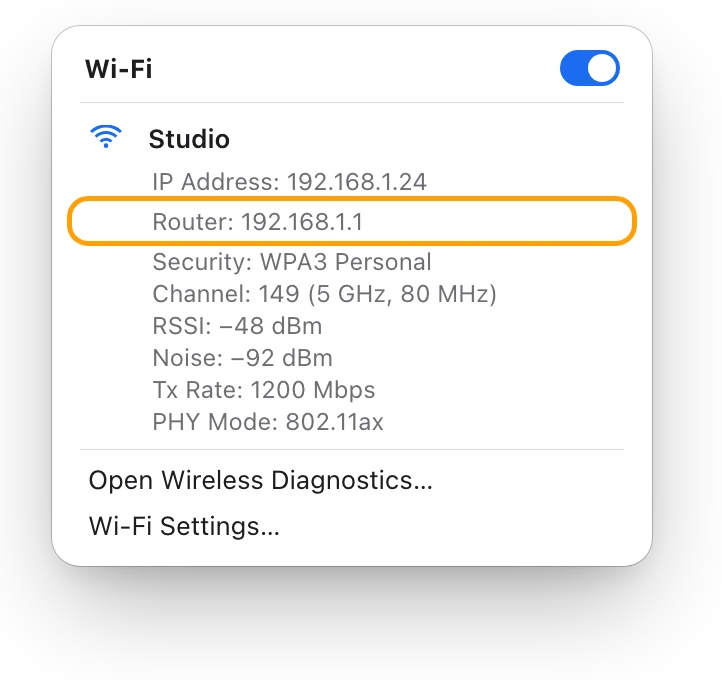
Internet and Wi-Fi
How to run a ping test on a Mac
Run a ping test on a Mac in Terminal: type ping -c 10 and an address. Here’s how to read the times, packet loss and summary, and what to ping first.
Readings, apps and files in the pictures are from a made-up Mac.