Scope for Mac
Mac storage monitor: disk space and largest files
Scope is a free Mac menu bar app that shows how full every drive on your Mac is, your Mac’s own disk and each external drive, in percent and gigabytes. It also shows live read and write speeds, each drive’s details and the largest files on it. It never moves or deletes anything.
Free, coming to the Mac App Store. Scope Pro is a one-time purchase.
In your menu bar
Drive’s menu bar item shows each drive with a short label and how full it is: here Mac at 91% and Stu at 39%, with live read and write speeds beside each. Scope Free keeps one whole menu bar item of your choice, and Drive can be that item, with all your drives in it.

How full, in numbers
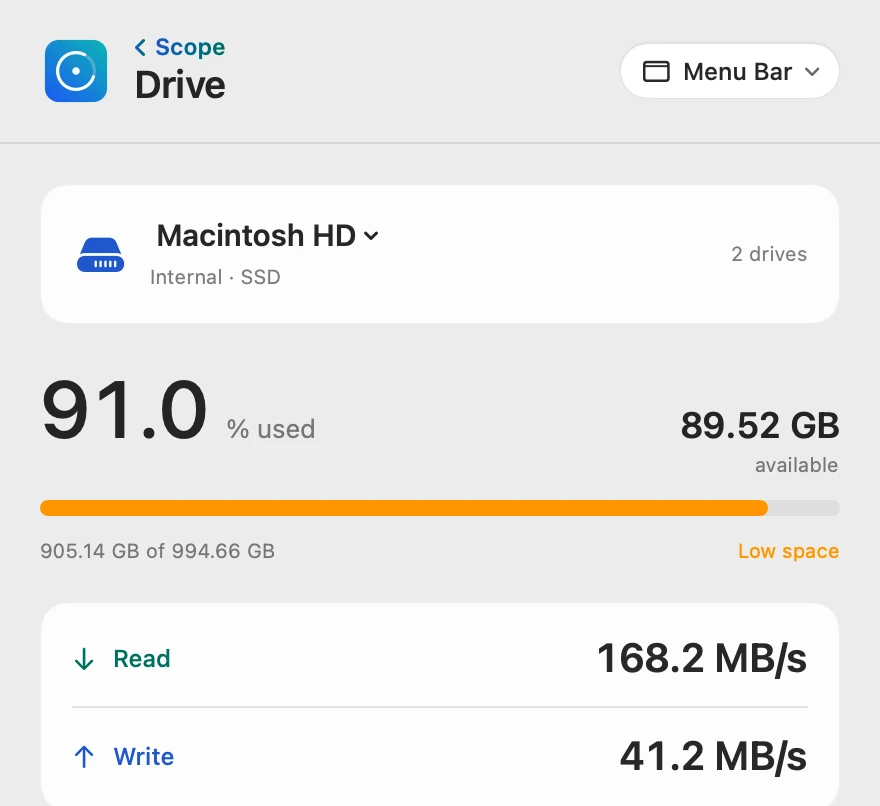
Drive shows the percentage used, the space available, and the space used out of the drive’s capacity, in decimal gigabytes as macOS counts them. Once a drive passes its limit, 90% unless you change it with Scope Pro, the bar turns orange and Low space appears.
Every drive, one picker
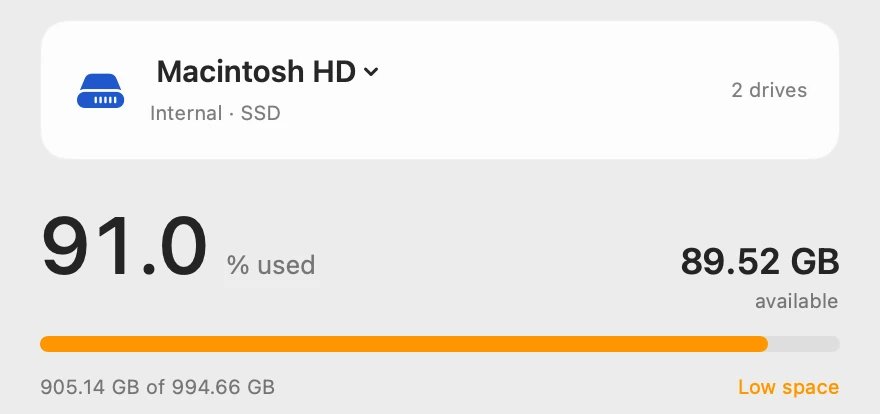
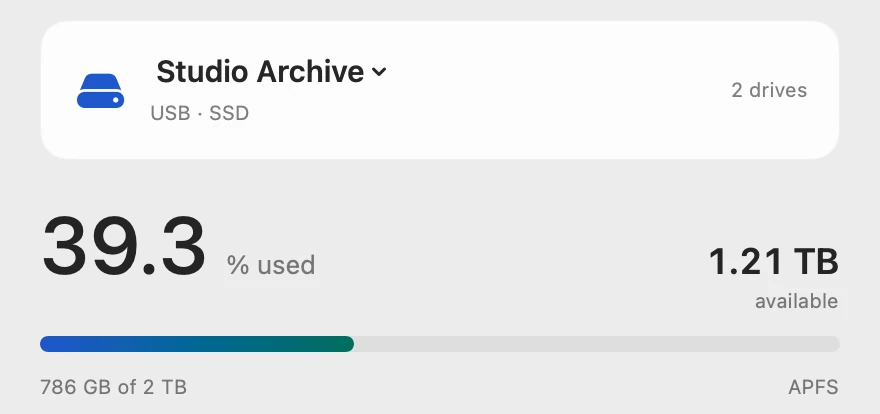
Click the drive’s name at the top of Drive to switch between your Mac’s own disk, an external SSD or hard drive, a USB flash drive or a memory card. “2 drives” counts the drives connected now. A drive you connect for the first time joins the menu bar item by itself.
Live read and write
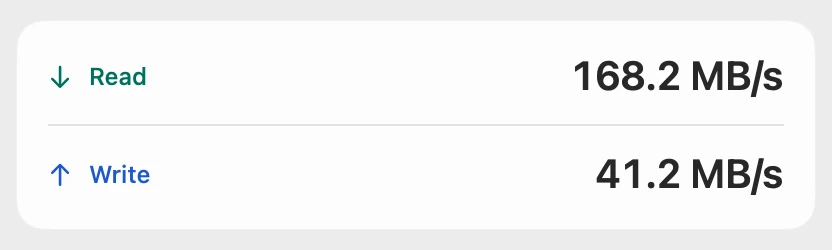
Read is data coming off the drive, as when an app opens a file. Write is data going onto it, as when you save or copy something. A drive speed test sits right under these numbers for when you want a measurement instead of a live reading.
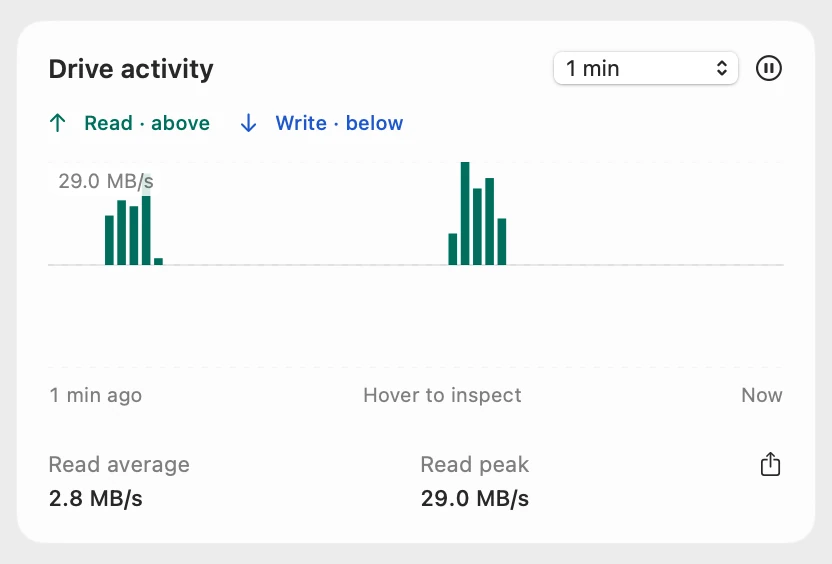
Drive activity
Drive activity charts reads above the line and writes below it, on one scale. Point at a bar for its exact value and time, or pause the chart to look closer. Scope Free shows the last 1, 5 or 10 minutes; Scope Pro adds 1, 6 and 24 hours, and saves a chart as a CSV file.
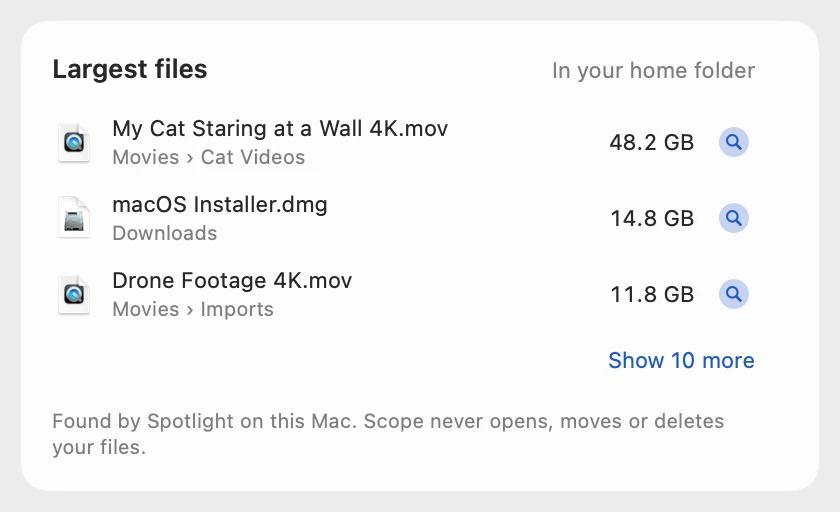
Largest files
Largest files lists the biggest files in your home folder on the Mac’s own disk, and anywhere on any other drive. Scope asks once, with Allow Access…, and Spotlight on your Mac finds the files, so nothing is uploaded. Show 10 more adds ten at a time, and the magnifier button shows a file in Finder. Scope never opens, moves or deletes your files: what to keep is your call.
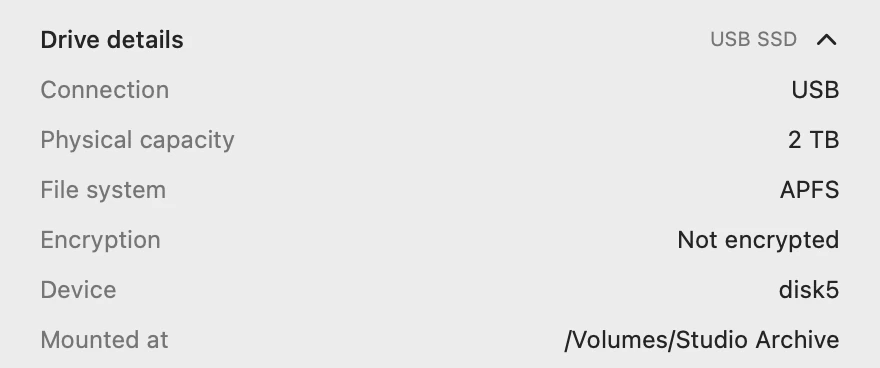
Drive details
Drive details show the drive’s model, connection, physical capacity, file system, encryption, device name and where it’s mounted, and say when a drive holds Time Machine backups. Copy drive details copies them as text, with the drive’s latest speed test.
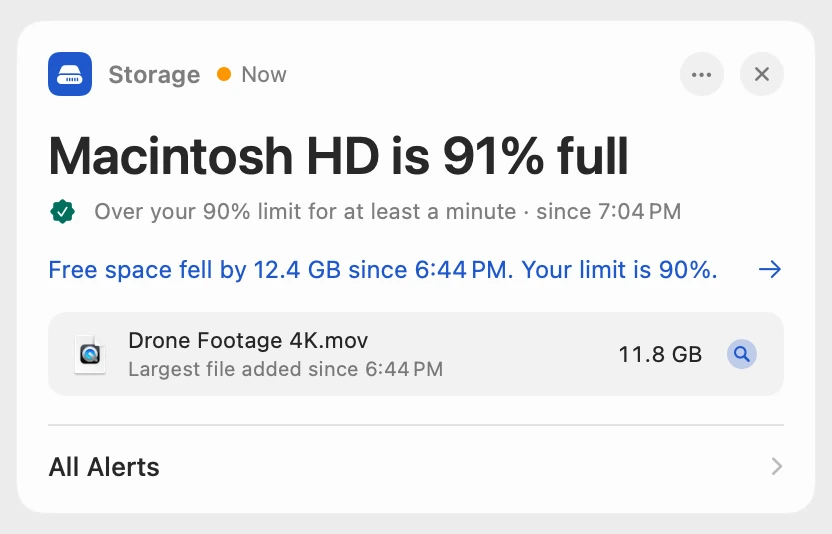
Storage alerts
When a drive stays over its limit for at least a minute, Scope says so: “Macintosh HD is 91% full”, with how much free space fell and since when. Scope Free shows the alert on the overview when you open Scope. Scope Pro adds a red + on the menu bar icon and a macOS notification, and names the file that filled the drive, with Show in Finder.
Scope Free and Scope Pro
| Scope Free | Scope Pro adds |
|---|---|
| Drive as your one menu bar item, with every drive, its label, its order and its read and write speeds | Every Scope item in the menu bar at once, and a drive’s percentage turning red past its limit |
| Every reading in the panel: used, available, read and write, drive details and Copy drive details | The same readings |
| Drive activity over the last 1, 5 or 10 minutes | 1, 6 and 24 hours of history, and CSV export |
| Largest files, with Show in Finder | The same |
| The drive speed test, with Copy | Test reports saved as files |
| A storage alert on the overview when you open Scope, with the check Scope made | The red + on the menu bar icon, a macOS notification, the file that filled the drive, your own limit and the week of alerts |
Questions people also ask
Is Scope a disk cleaner?
No. Scope shows which files take the most space and where they are, and never deletes, moves or cleans anything. To free up space, use Storage in System Settings or Finder; How to free up space on a Mac ranks every way.
Does Scope show SSD health or SMART status?
No. Scope doesn’t read a drive’s SMART health. It shows how full each drive is, how fast it reads and writes right now, and its details.
Does Scope work with external drives?
Yes. Scope shows every mounted drive: external SSDs and hard drives, USB flash drives and memory cards. Largest files and the drive speed test ask once for access to each external drive, and one answer covers both.
Does Scope look through my files?
Only to list the largest ones, and only in the folders and drives you allow. Spotlight on your Mac finds them, your home folder is read only, and nothing is uploaded.
Will Scope warn me when my Time Machine drive fills up?
No, on purpose. Time Machine fills its backup drive by design, so a backup drive never raises a full-drive alert. Drive details mark it as used for Time Machine backups.
Is Scope free?
Yes. Scope Free shows every drive reading, Largest files and the drive speed test, for as long as you like. Scope Pro is a one-time purchase that adds alerts with the cause, more menu bar items and 24 hours of history.
Try it here
The real Scope, working, right in this page.
Click any item in the menu bar, or a card inside, as you would on your Mac.
Scope Pro Every menu bar item is shown here. Scope Free keeps one whole item of your choice, with every reading inside.
See Drive on your own Mac.
Guides for this
Storage
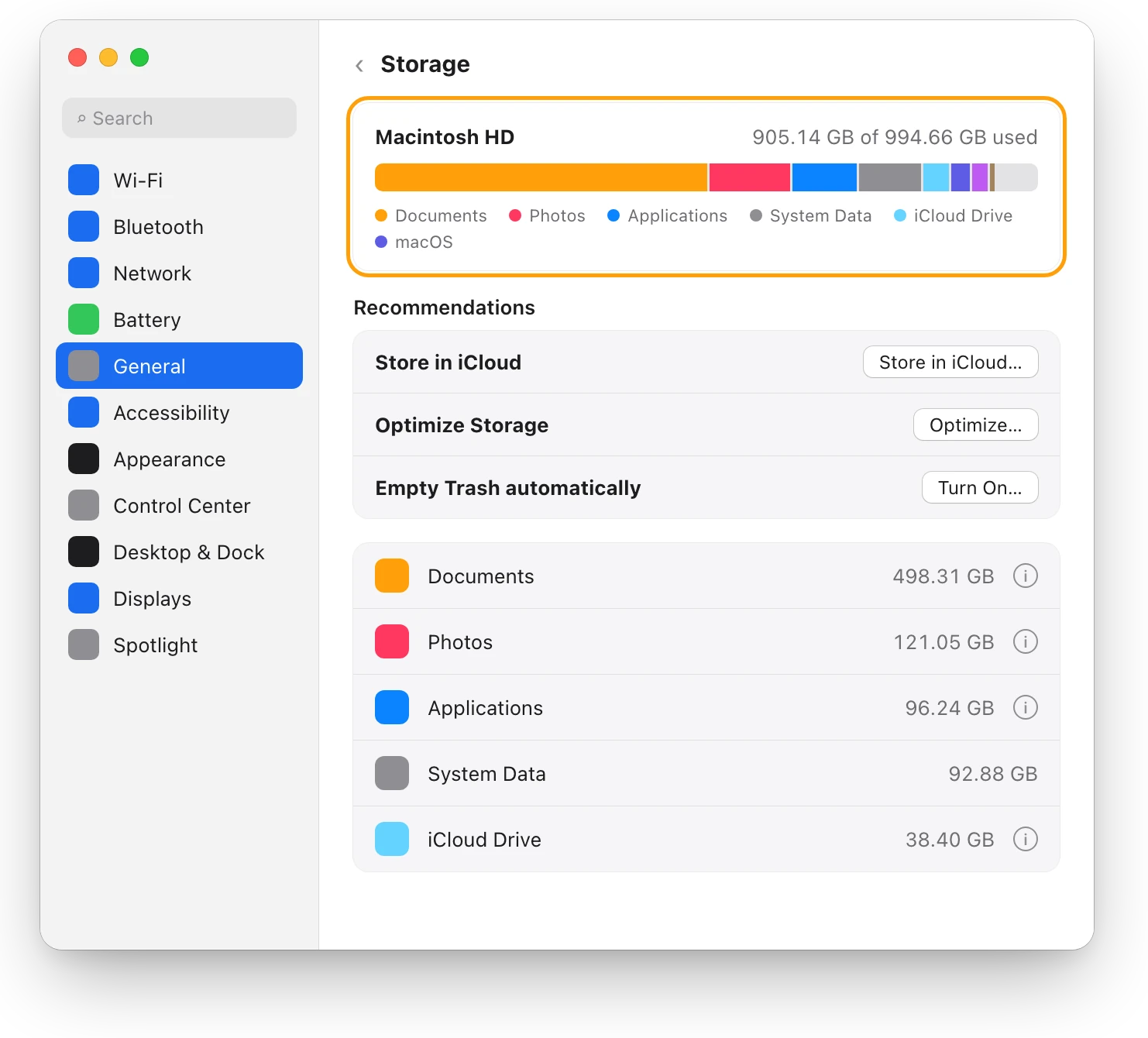
How to check storage on a Mac: 4 ways
Check storage in System Settings > General > Storage, in Finder with Get Info or the status bar, or in Disk Utility, and see why their numbers differ.
Storage
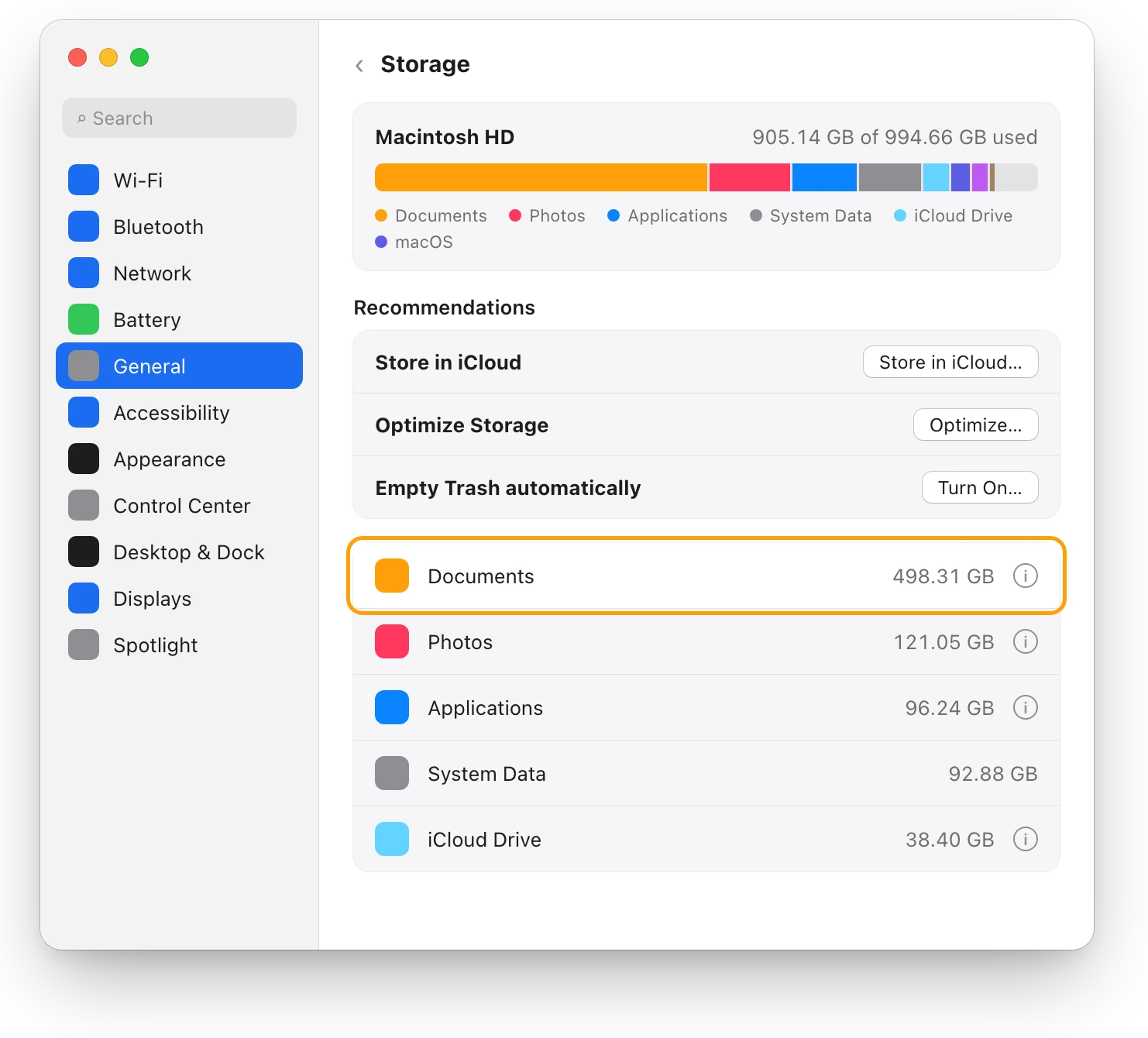
How to find large files on a Mac, safely
Storage in System Settings lists your Mac’s largest files, sorted by size, with Delete and Show in Finder. Here’s how to find them and free space safely.
Storage
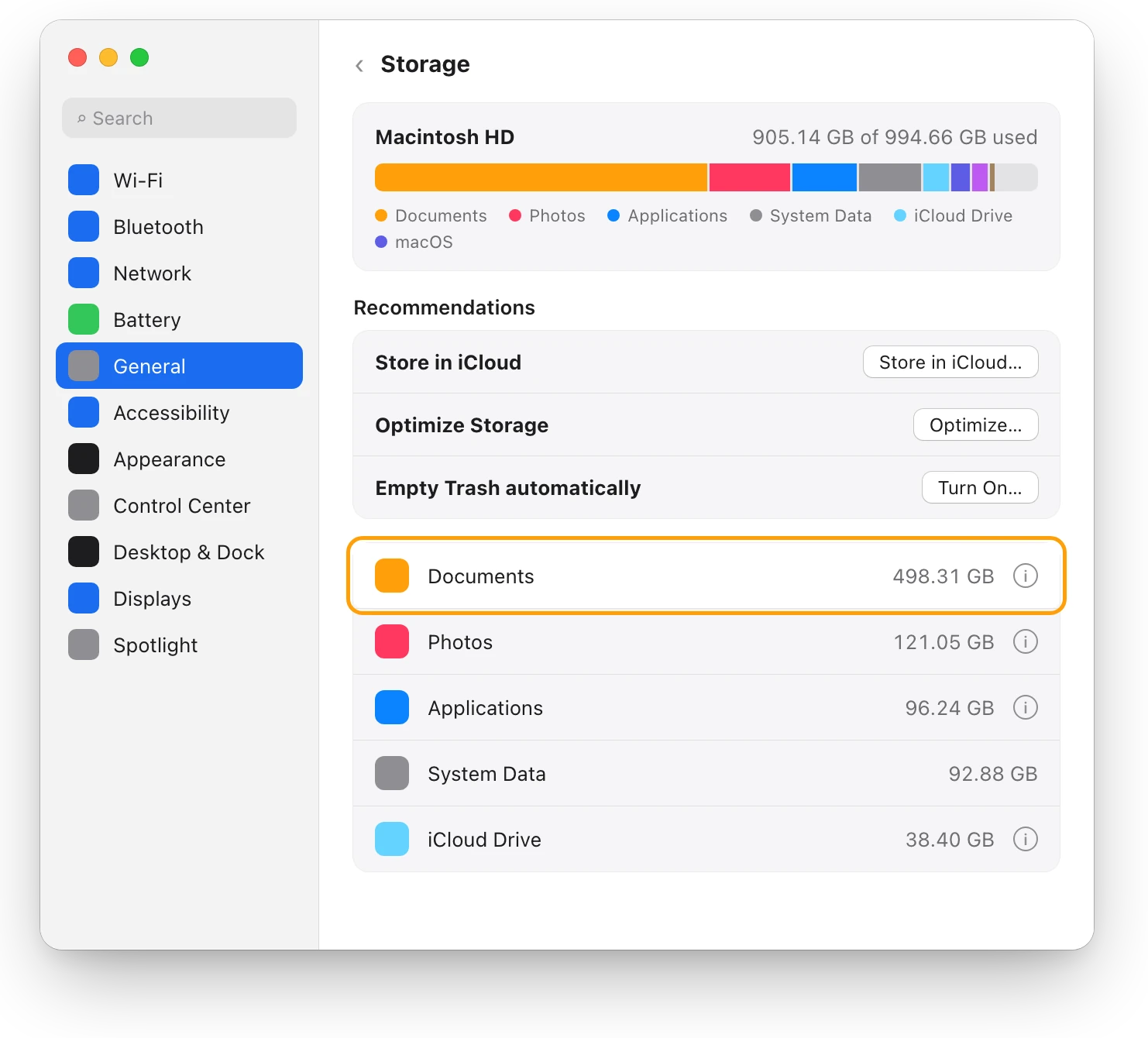
How to free up space on a Mac: every way, ranked
Every way to free up space on a Mac, biggest first: large files, external drives, Photos and iCloud Drive, Downloads, backups and the Trash, with risks.
Storage
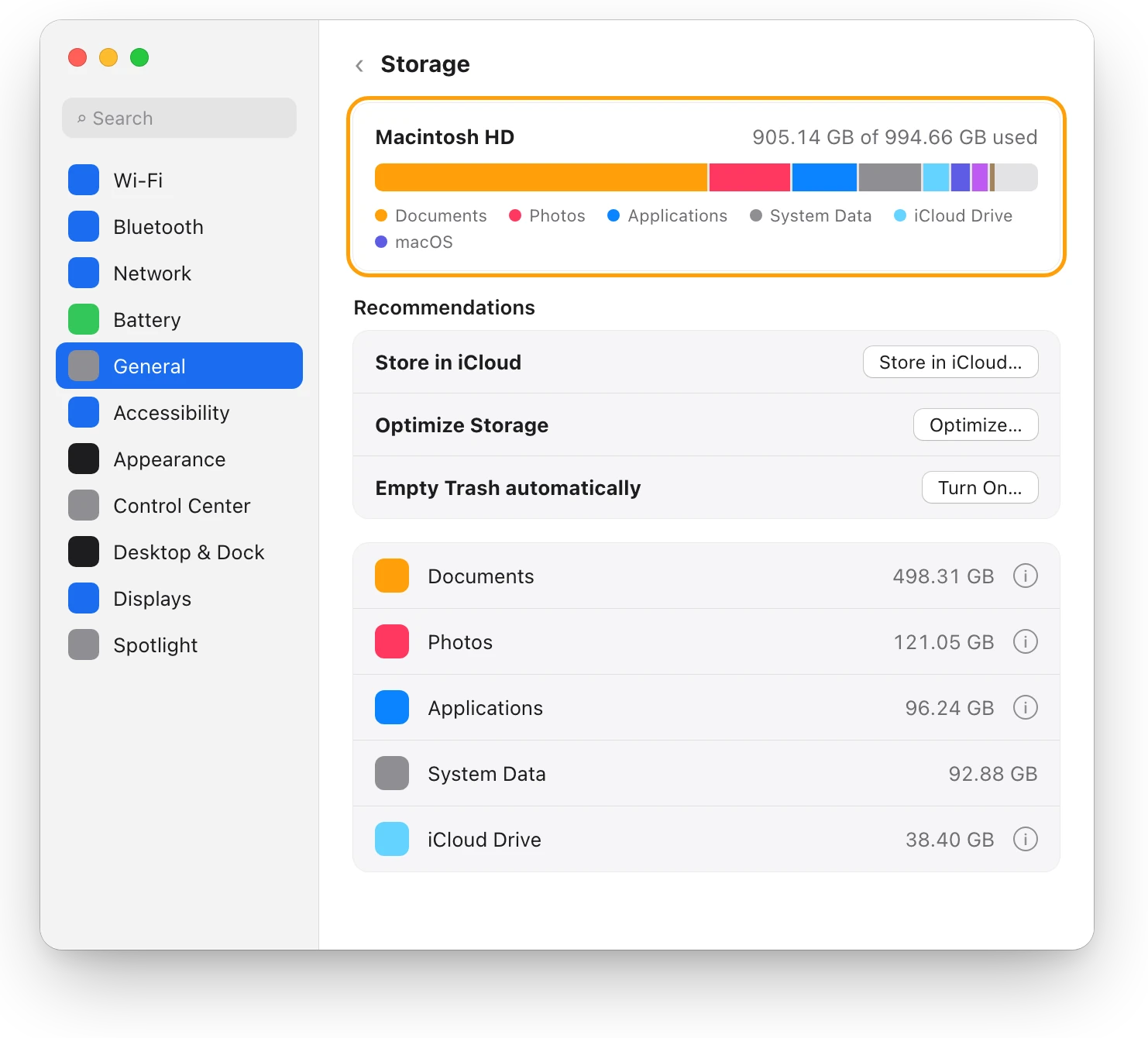
“Your disk is almost full”: what to do first
When your Mac’s disk is almost full, check Storage in System Settings, empty the Trash, then delete or move large files. Here’s what to do first.
Storage
How much free space should a Mac have?
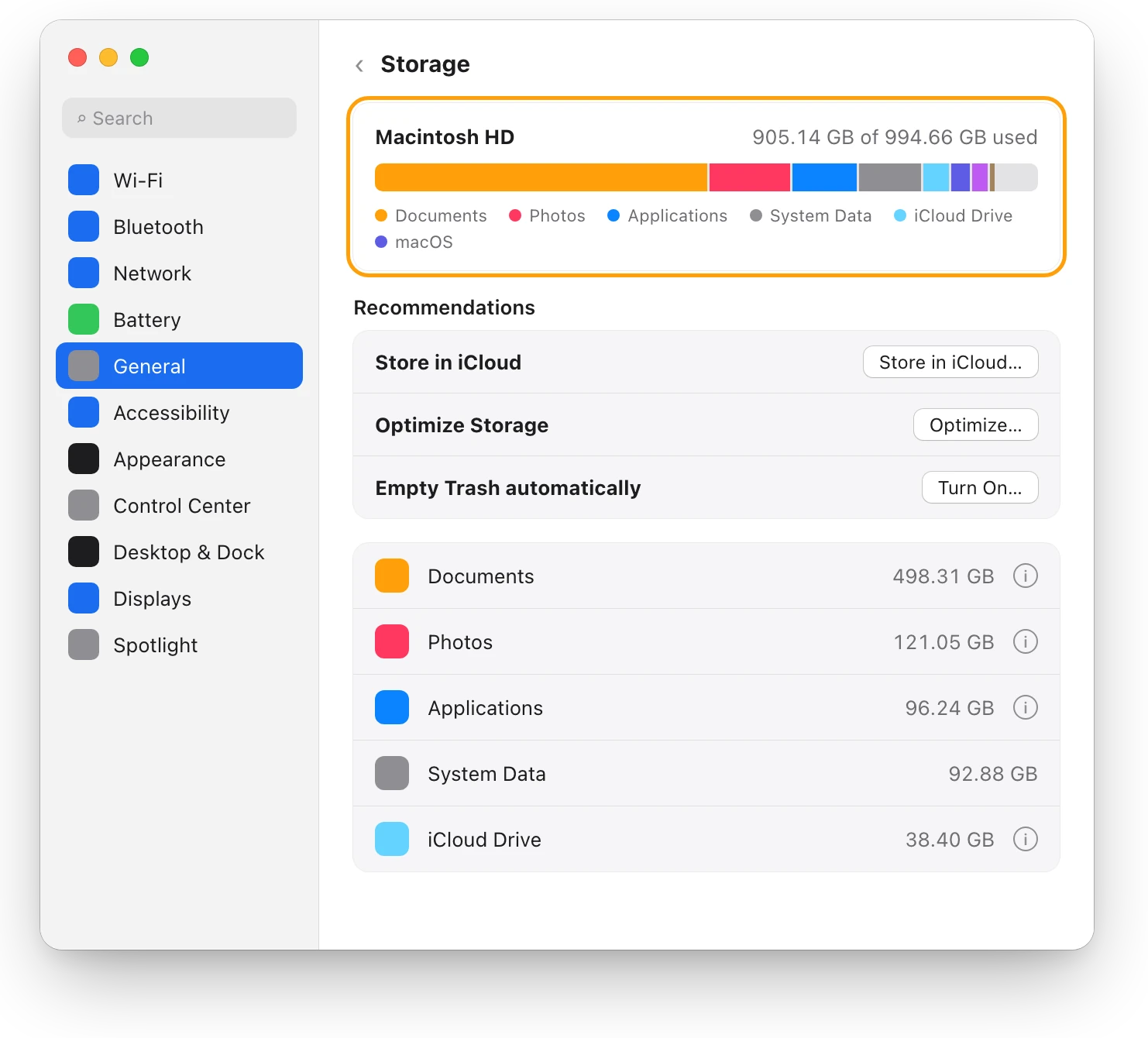
Apple gives no single number. A Mac needs room for macOS updates and swap, and a nearly full disk can slow it down. Here’s how much to keep free.
Drives
External drive not showing up on a Mac? Fix it
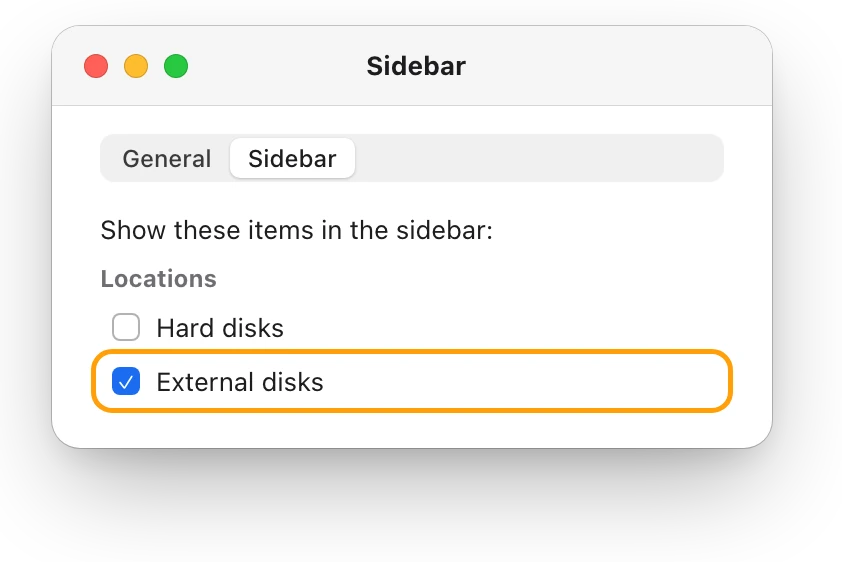
An external drive that won’t show up on a Mac is usually the cable, Finder’s settings or a drive that isn’t mounted. Here’s how to check each, in order.
Readings, apps and files in the pictures are from a made-up Mac.